Figure 9-11
Device Information
9.6 Maintenance
9.6.1 Rebooting the Camera
Steps:
1. Enter the Maintenance interface:
Configuration > Basic Configuration> System > Maintenance
Or Configuration > Advanced Configuration> System > Maintenance:
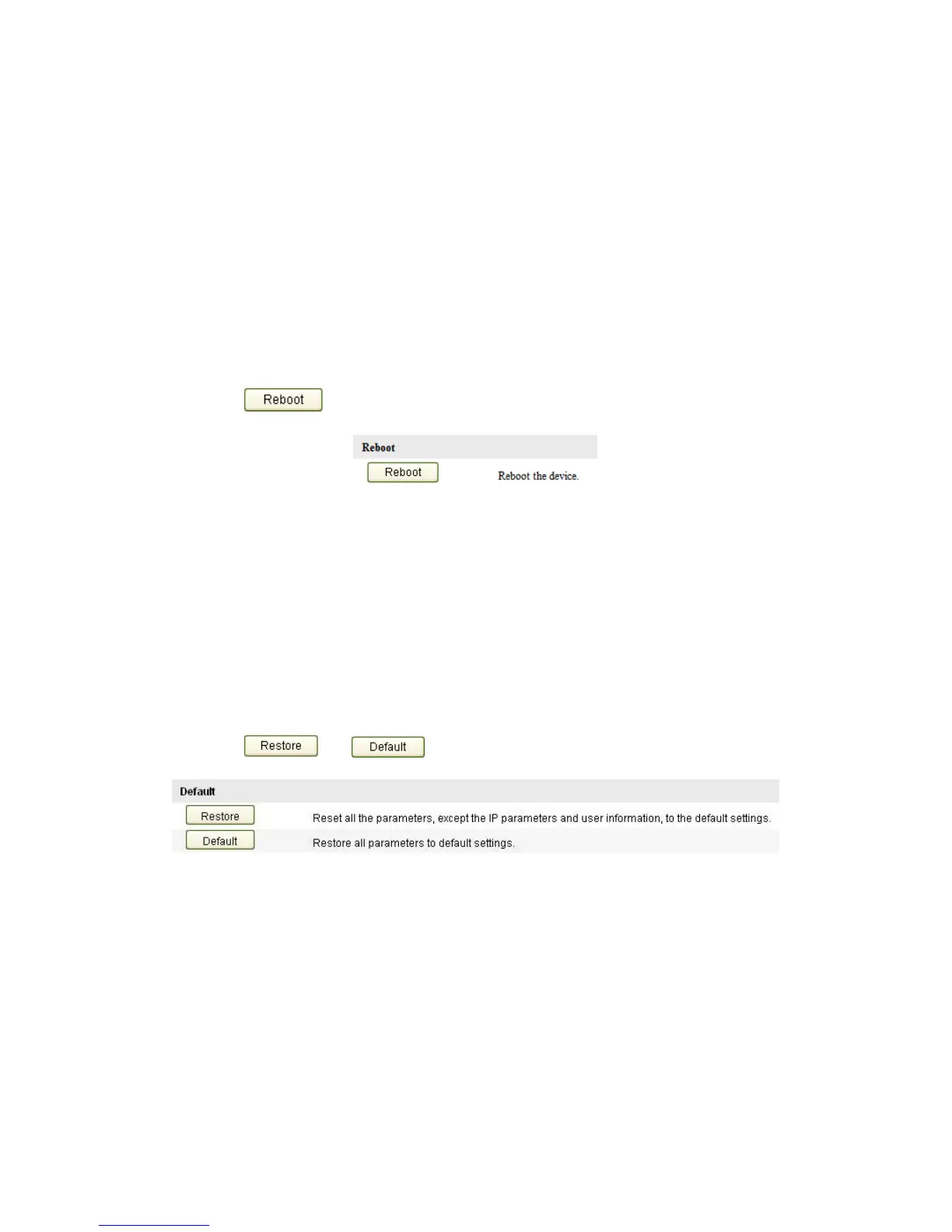
2. Click to reboot the network camera.
Figure 9-12
Reboot the Device
9.6.2 Restoring Default Settings
Steps:
1. Enter the Maintenance interface:
Configuration > Basic Configuration> System > Maintenance
Or Configuration > Advanced Configuration> System > Maintenance
2. Click or to restore the default settings.
Figure 9-13
Restore Default Settings
Note: After restoring the default settings, the IP address is also restored to
the default IP address, please be careful for this action.
9.6.3 Importing/Exporting Configuration File
Steps:
Enter the Maintenance interface:
Configuration > Basic Configuration> System > Maintenance
Or Configuration > Advanced Configuration> System > Maintenance



 To Next Page