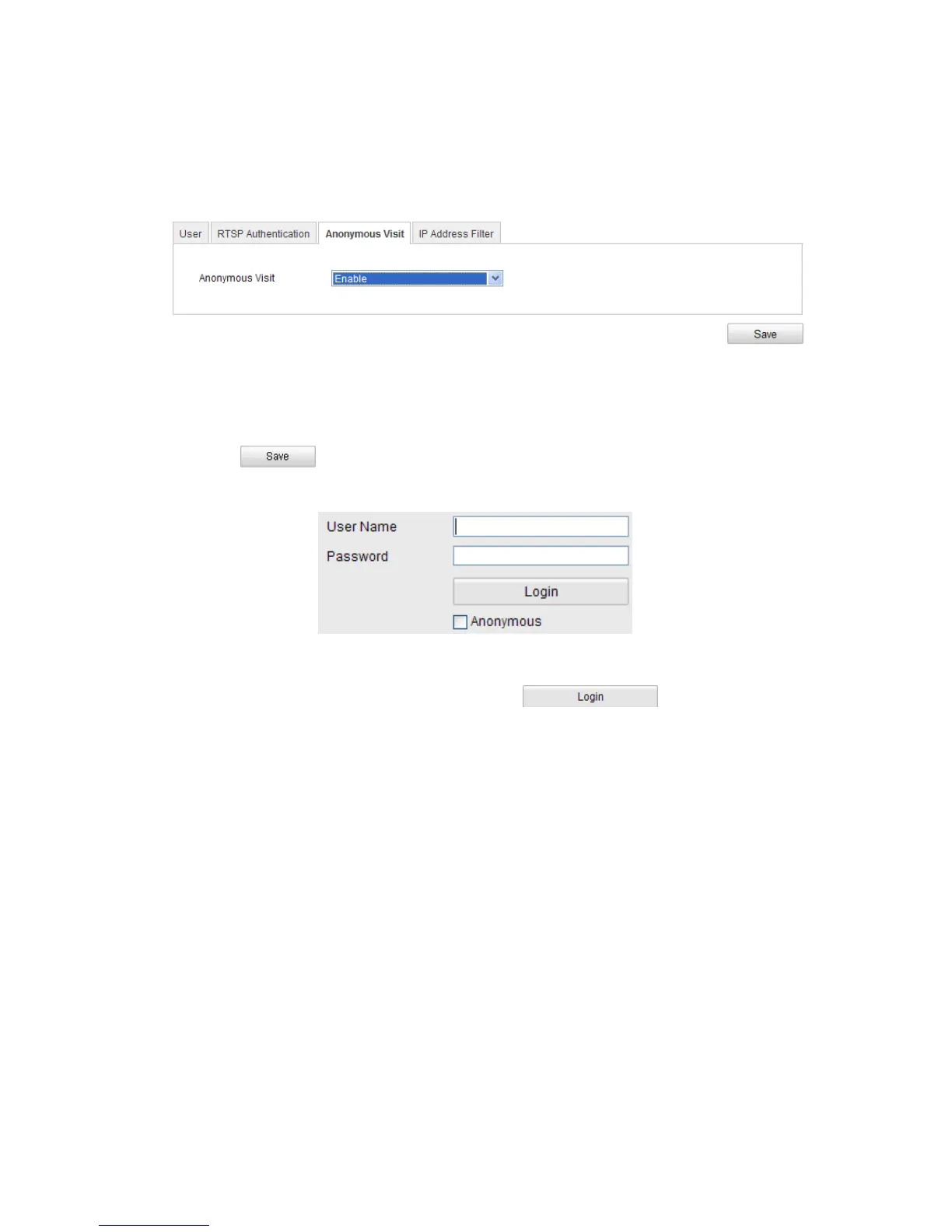
Enabling this function allows visit for whom doesn’t have the user name and
password of the device.
Steps:
1. Enter the Anonymous Visit interface:
Configuration> Advanced Configuration> Security > Anonymous Visit
Figure 9-6
Anonymous Visit
2. Set the Anonymous Visit permission Enable or Disable in the drop-down list to
enable or disable the anonymous visit.
3. Click to save the settings.
There will be a checkbox of Anonymous by the next time you logging in.
Figure 9-7
Login Interface with an Anonymous Checkbox
4. Check the checkbox of Anonymous and click .
9.4 IP Address Filter
Purpose:
This function makes it possible for access control.
Steps:
1. Enter the IP Address Filter interface:
Configuration> Advanced Configuration> Security > IP Address Filter



 To Next Page