Advidia “A” Series User Manual for Network Camera
Chapter 9 Others
9.1 Managing User Accounts
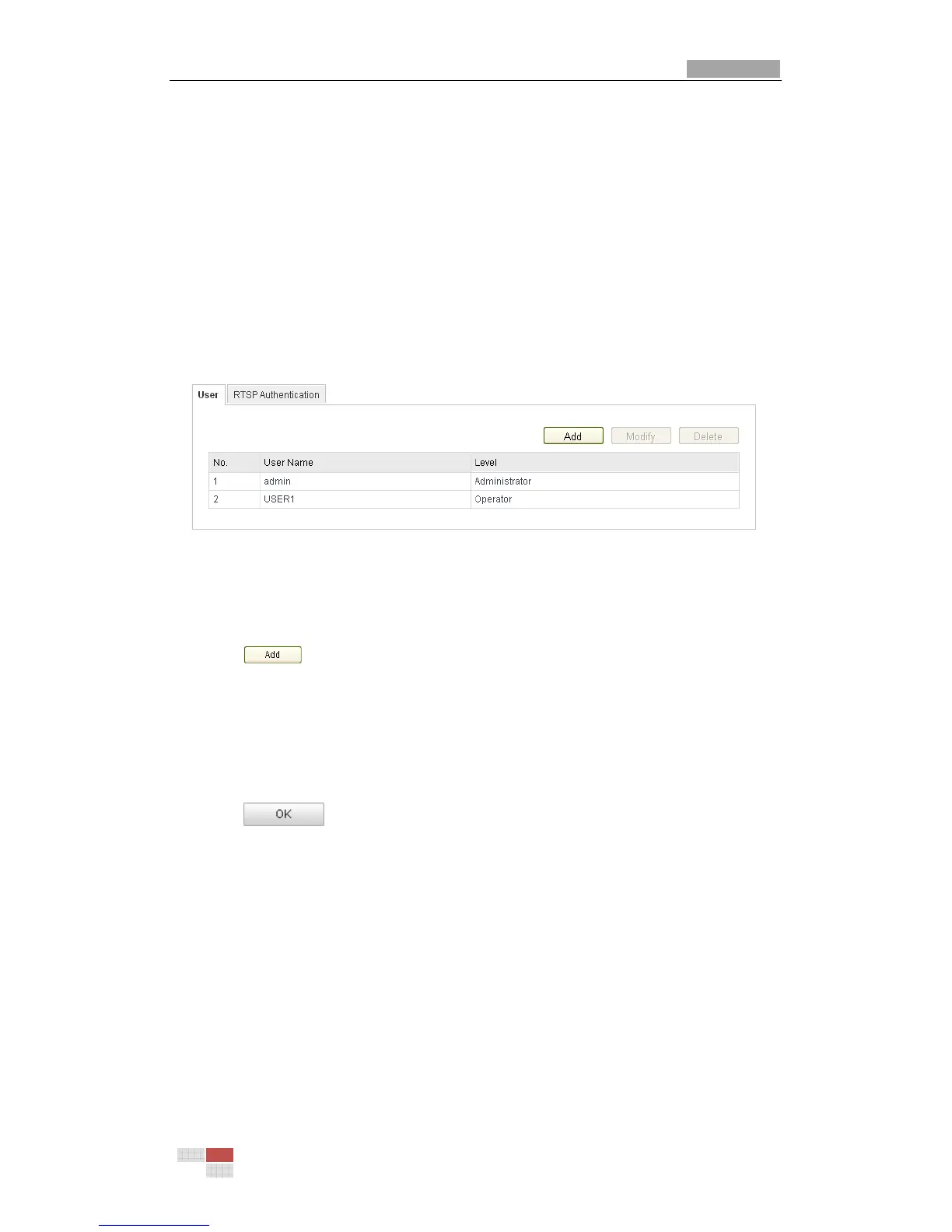
Enter the User Management interface:
Configuration >Basic Configuration> Security > User
Or Configuration > Advanced Configuration> Security > User
The admin user has access to create, modify or delete other accounts. Up to 15 user
accounts can be created.
Figure 9-1
User Information
Add a User
Steps:
1. Click to add a user.
2. Input the new User Name, select Level and input Password.
Note: The level indicates the permissions you give to the user. You can define the
user as Operator or User.
3. In the Basic Permission field and Camera Configuration field, you can check or
uncheck the permissions for the new user.
4. Click to finish the user addition.



 To Next Page