which the video stream is updated and it is measured by frames per second (fps).
A higher frame rate is advantageous when there is movement in the video stream,
as it maintains image quality throughout.
Max. Bitrate:
Set the max. bitrate to 32~16384 Kbps. The higher value corresponds to the
higher video quality, but the higher bandwidth is required.
Video Encoding:
When the Stream Type of the camera is main stream, the Video Encoding
standard can be set to H.264.
When the Stream Type of the camera is sub-stream, the Video Encoding standard
can be set to H.264, MJPEG.
Profile:
Basic profile, Main Profile and High Profile are selectable.
I Frame Interval:
Set the I-Frame interval to 1~400.
4. Click to save the settings.
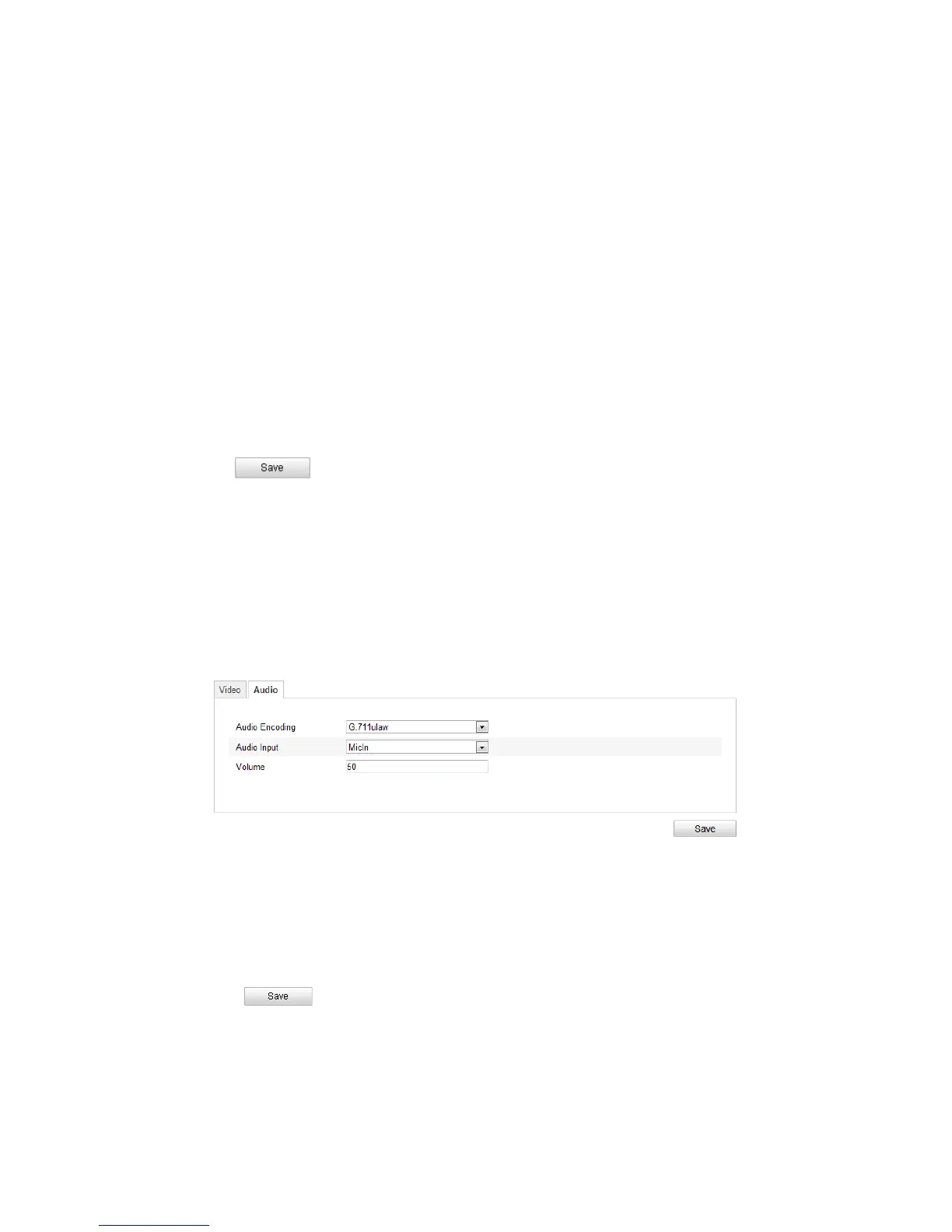
5.4.2 Configuring Audio Settings
Steps:
1. Enter the Audio Settings interface
Configuration > Basic Configuration > Video / Audio > Audio
Or Configuration > Advanced Configuration > Video / Audio > Audio
Figure 5-20
Audio Settings
2. Configure the following settings.
Audio Encoding: G.711 ulaw, G.711alaw and G.726 are selectable.
Audio Input: MicIn and Linein are selectable for the connected microphone and
pickup respectively.
3. Click to save the settings.



 To Next Page