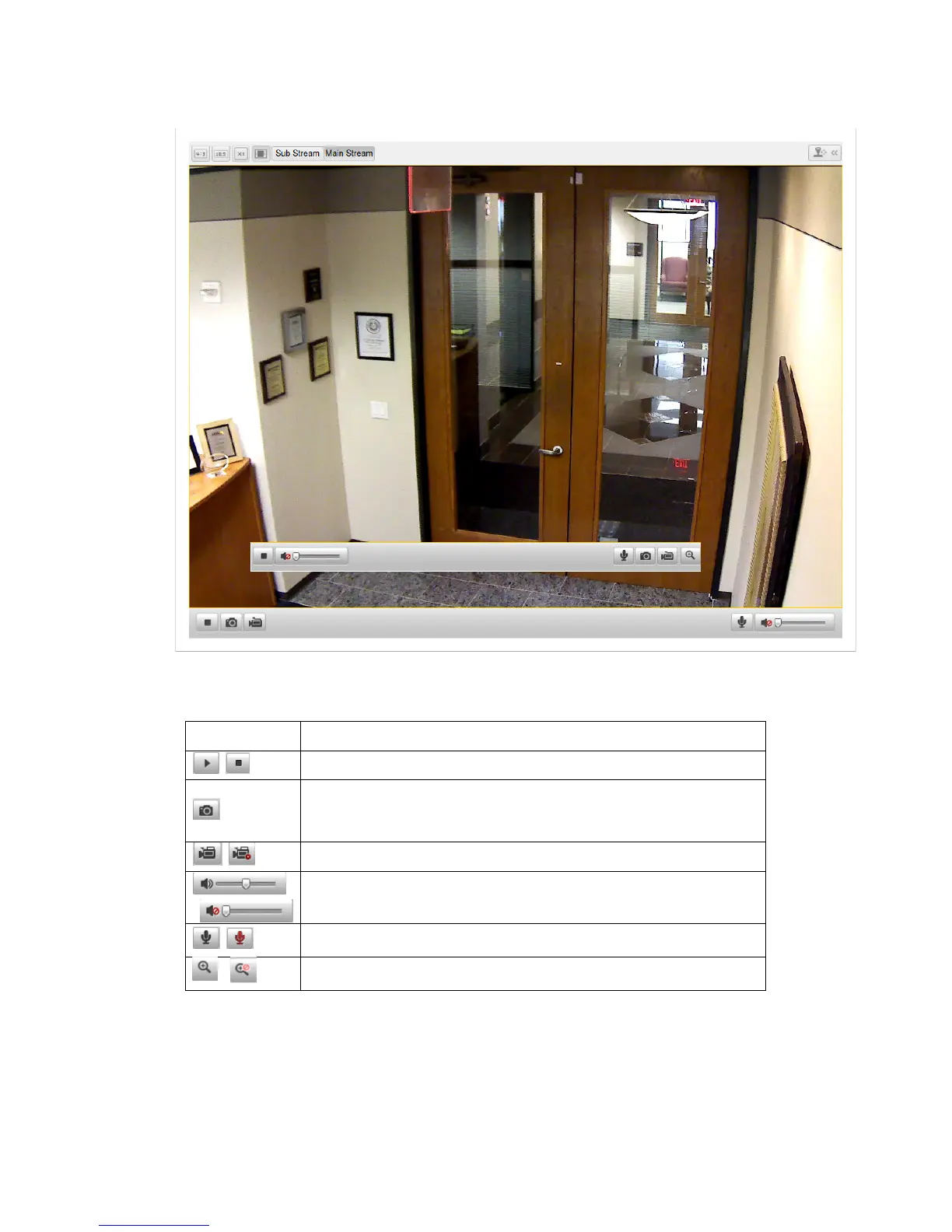
live view of the camera.
Figure 4-2
Start Live View
Table 4-1
Descriptions of the Toolbar
Icon Description
/
Start/Stop live view
Manually capture the pictures displayed in live view and then
save it as a JPEG file.
/
Manually start/stop recording.
Audio on and adjust volume /Mute.
/
Turn on/off microphone.
/ Turn on/off 3D zooming function.
Note: Before using the two-way audio function or recording with audio, please set
the Stream Type to Video & Audio referring to Section 5.4.
Full-screen Mode
You can double-click on the live video to switch the current live view into full-screen



 To Next Page