Tasks:
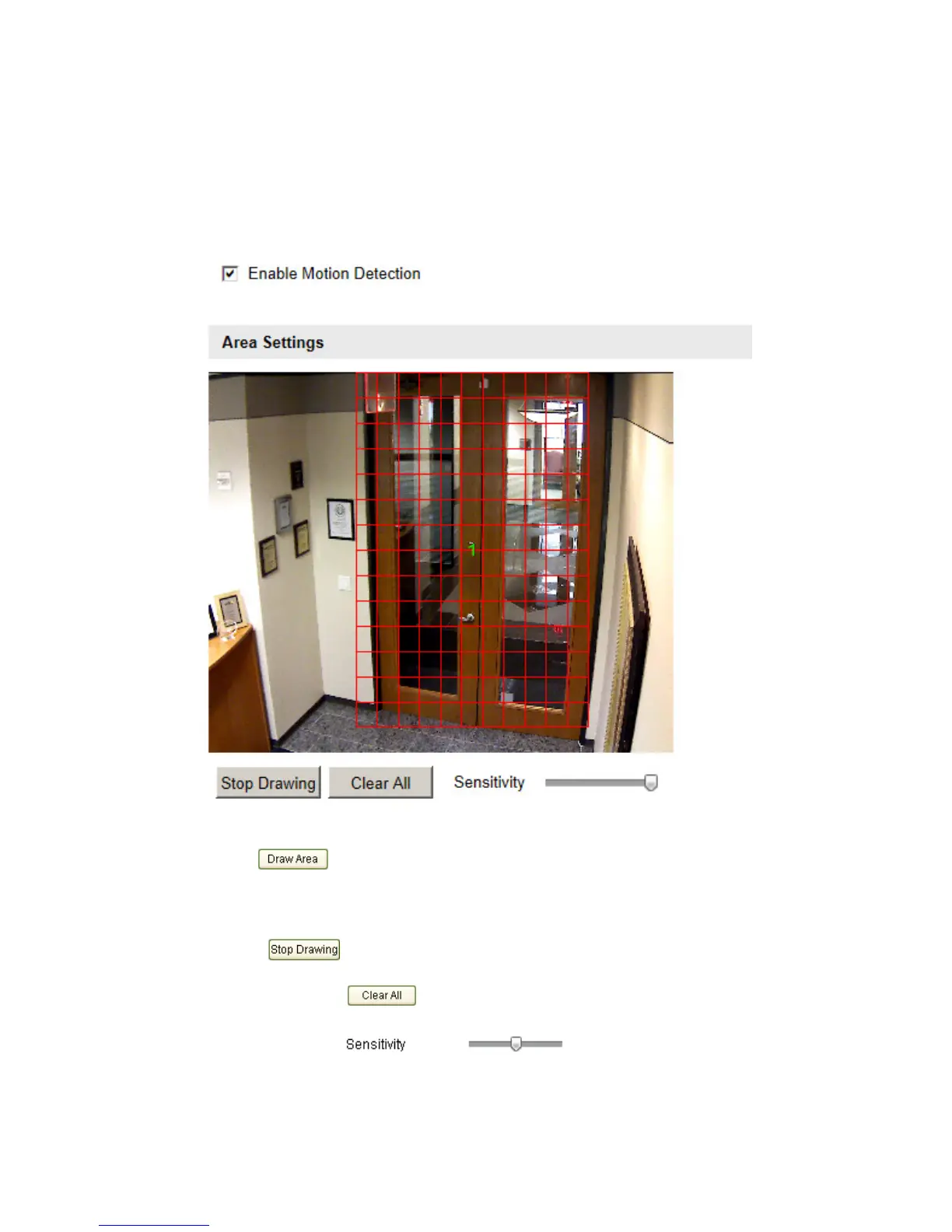
1. Set the Motion Detection Area.
Steps:
(1) Enter the motion detection settings interface
Configuration > Advanced Configuration> Events > Motion Detection
(2) Check the checkbox of Enable Motion Detection.
Figure 5-26
Enable Motion Detection
(3) Click . Click and drag the mouse on the live video image to draw a
motion detection area.
Note: You can draw up to 8 motion detection areas on the same image.
(4) Click to finish drawing.
Note: You can click to clear all of the areas.
(5) Move the slider to set the sensitivity of the
detection. The higher the value, the more sensitive the zones will be.
2. Set the Arming Schedule for Motion Detection.



 To Next Page