Startup
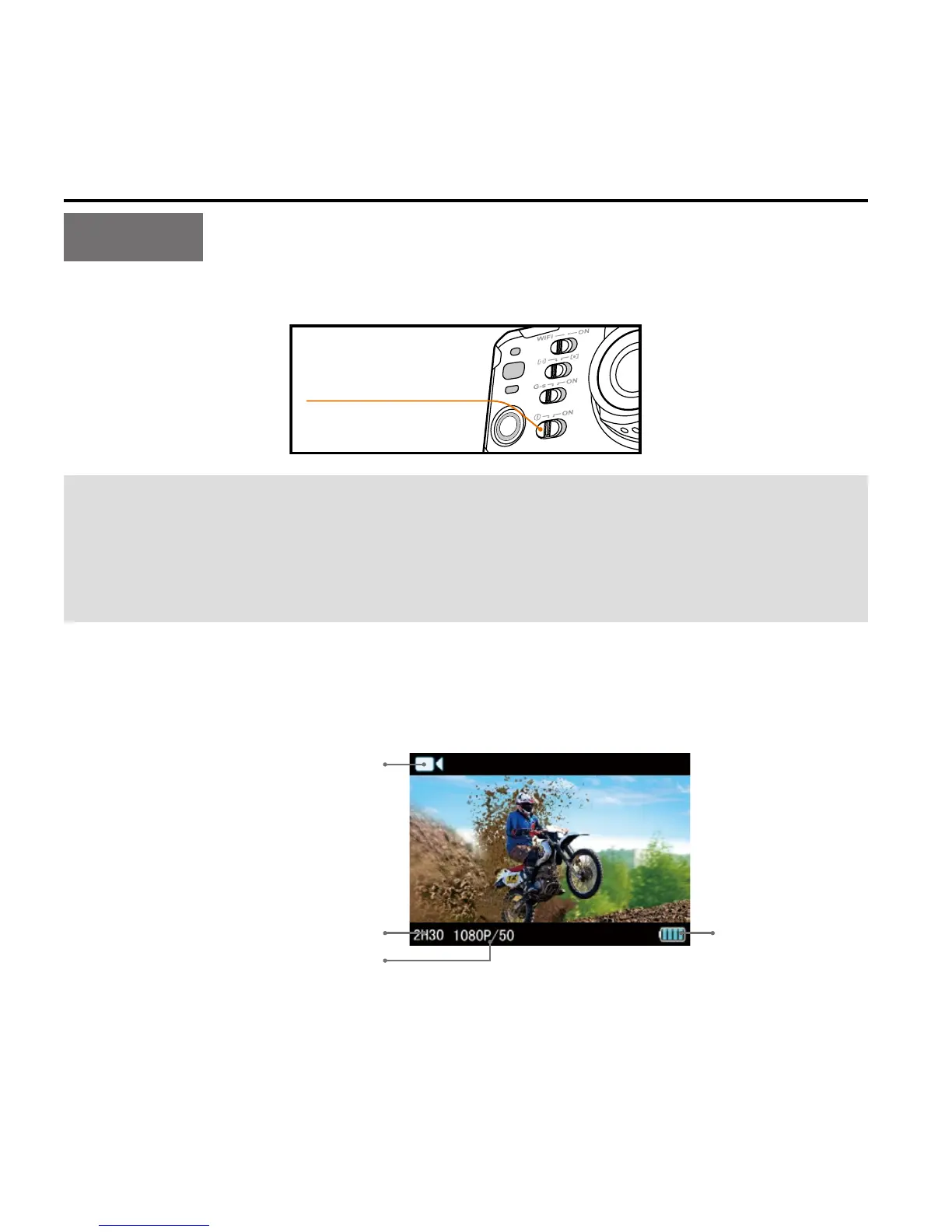
Turn the power key to "ON" to turn on the S71:
Power key
When the S71 is in power-on state, you can hold down the Shutter
button and Stop button simultaneously for 3 sec to turn the
camera
off. After turning the camera off, you can hold down the Shutter
button and Stop button simultaneously for 3 sec to turn it on.
•
2 red indicators will light up;
•
The S71 has entered recording standby mode. The TFT display is
shown as below:



 To Next Page