6. Press "M" button to exit the menu and return to recording standby
mode.
Use "<" / ">" button to select the item to the left / right, and use
"+" / "-" button to select the item above/below of the selected item.
After selection, press "OK" button to confirm operation
Please ensure that the date and time are correctly set. The S71
will add a
time stamp to the photo/video based on this setting.
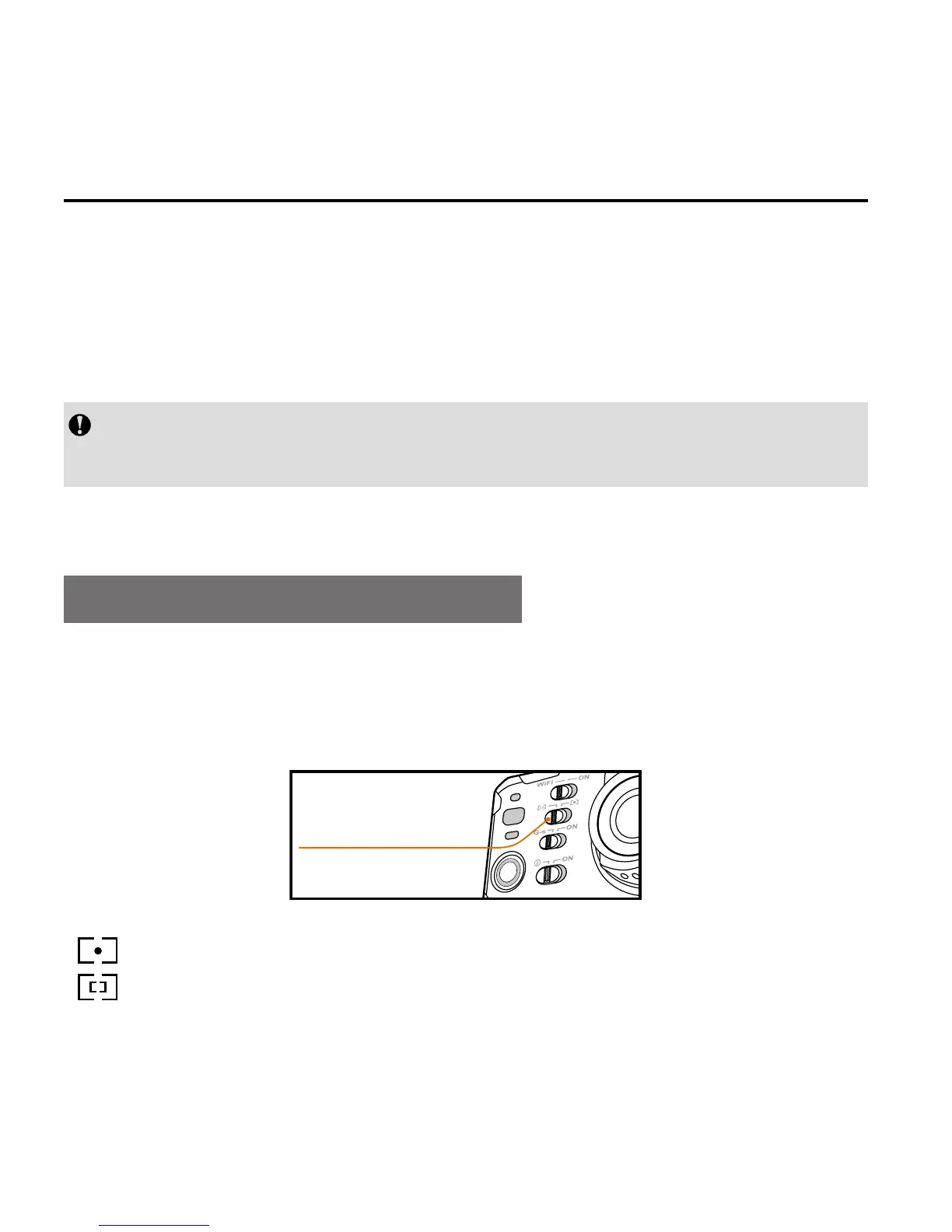
Select Light Metering Mode
To achieve the best exposure effect, use the central spot light
metering mode
when the central spot is bright, while the
surrounding environment is dark.
light meter mode key
" ": turn on central spot metering
" ": turn off central spot metering



 To Next Page