Parameter Setting For Video Recording
Perform the following steps to set the parameters for video recording:
1. Press "M" button to enter the setting menu;
2. Press "+" / "-" button to select "
";
3. Press "<" / ">" button to move cursor to the sub-menu you want to
configure, Press "OK" button to enter the sub-menu
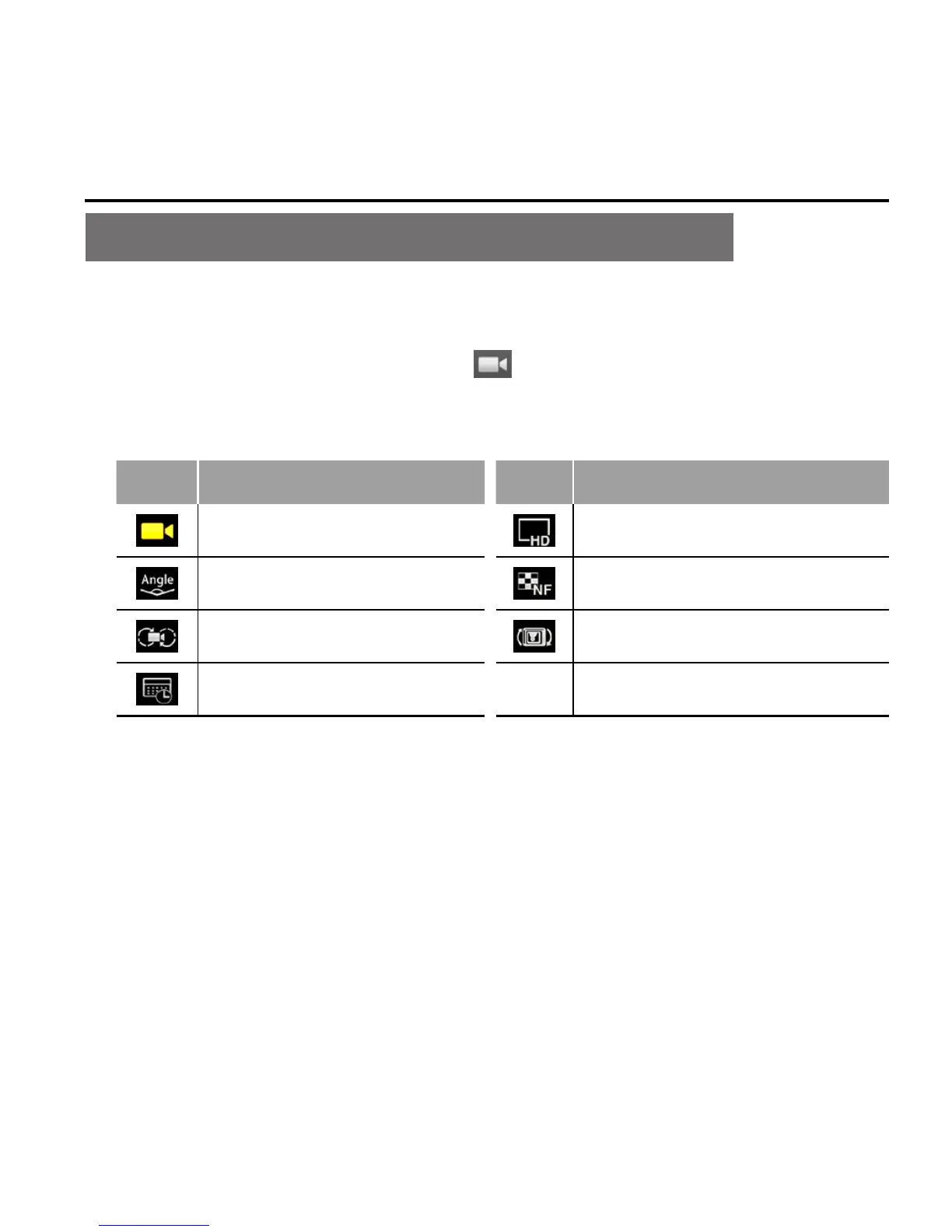
Icon Functions Icon Functions
Execution mode Resolution
View angle Bitrate
Video content loop 180° photo rollover
Display time
4. Press "<" / ">" button to select the parameters you want;
5. Press "OK" button to confirm
6. Press "M" button again to exit the setting menu.



 To Next Page