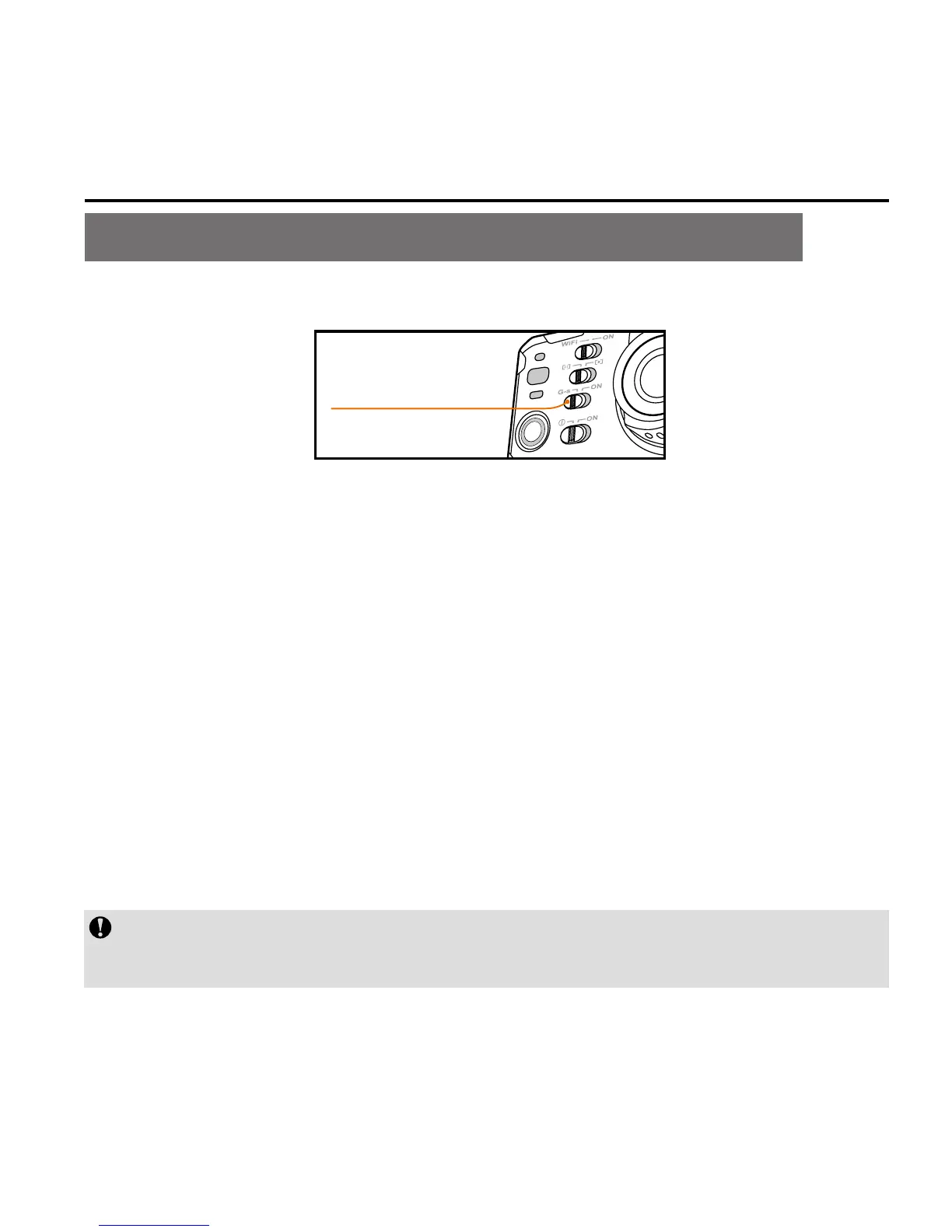
Start Video Recording Via G-SENSOR Mode
G-Sensor key
Turn the
G-Sensor key to "ON" so that the
S71 actively senses any
change of gravity. The camera will automatically start video
recording if it senses shock or tilting, etc. When this mode is
applied in fixed installation, mounted on a vehicle or helmet, it
can start video recording without the need to start the recording
in advance, freeing you from manual operation while conserving
battery power.
When the camera does not sense any gravity change for 3 minutes, it
will exit video recording.
During the startup process of the camera, please do not
s
tart G-sensor function simultaneously to avoid c
rashing.



 To Next Page