4. Double click the "removable disc" icon;
5. Enter the "removable disc" and copy/move the file to the PC’s hard
disk.
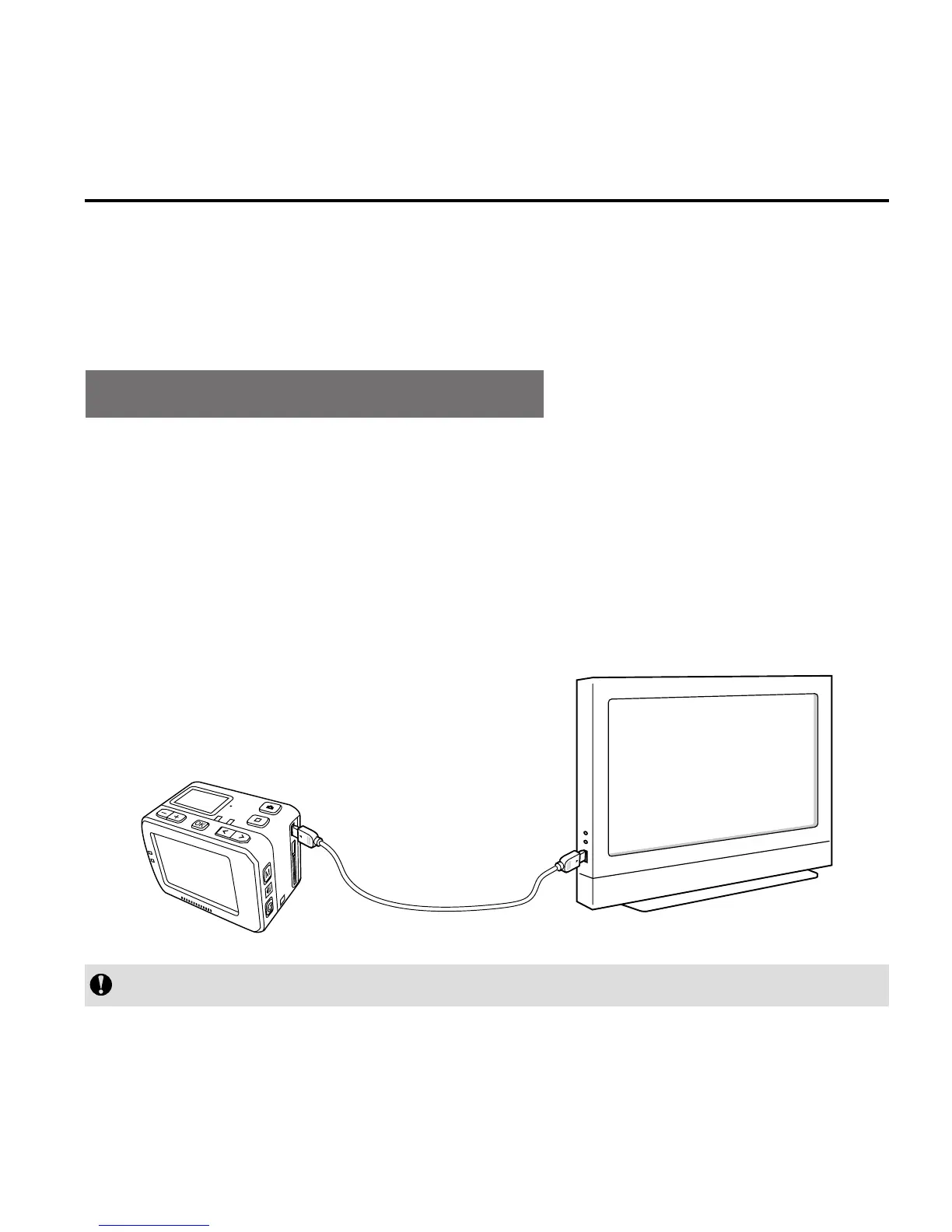
View Video/Photo On HDTV
The recorded files can also be played on a TV or display with
HDMI
interface.
Ensure that your camera is properly configured to NTSC (North
America) or PAL (Non-North America) video format; otherwise, the
video and images on S71 cannot be properly displayed on TV.
Use HDMI cable to connect the S71 to the TV set:
HDMI Cable
This function is not available when opening Wi-Fi.



 To Next Page