Other Basic Setting
1. Press "M" button to enter the camera setting menu;
2. Press "-" / "+" button to select "
";
3. Press "<" / ">" button to move blue cursor to the sub-menu you
want to configure, Press "OK" button to confir
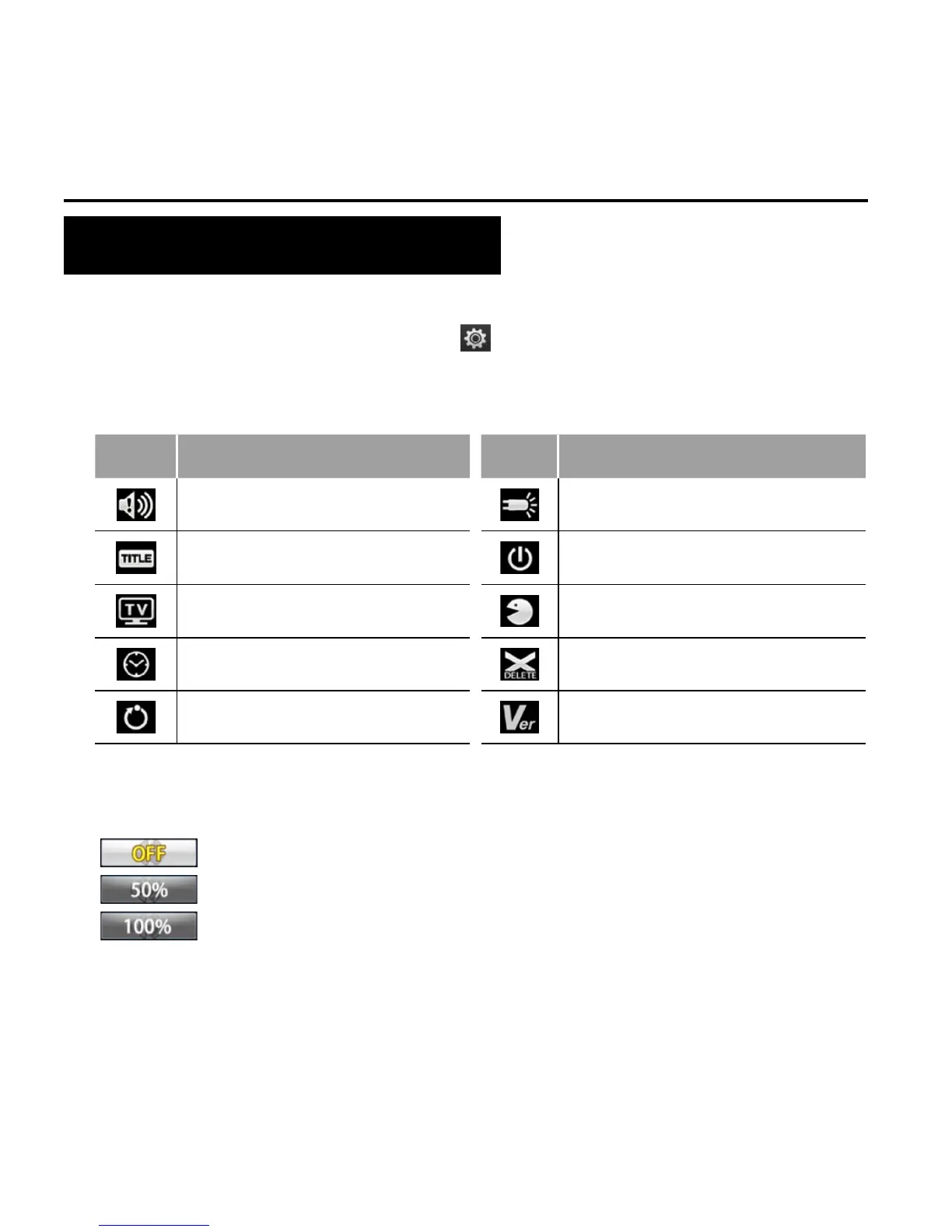
Icon Functions Icon Functions
Warning tone Status indicator
On screen display Auto to standby
TV output format Language
Date/time Format
Recover factory setting Ver
• Warning Tone
Adjust the loudness or mute of buzzer.
: Off
: Medium
: Standard



 To Next Page