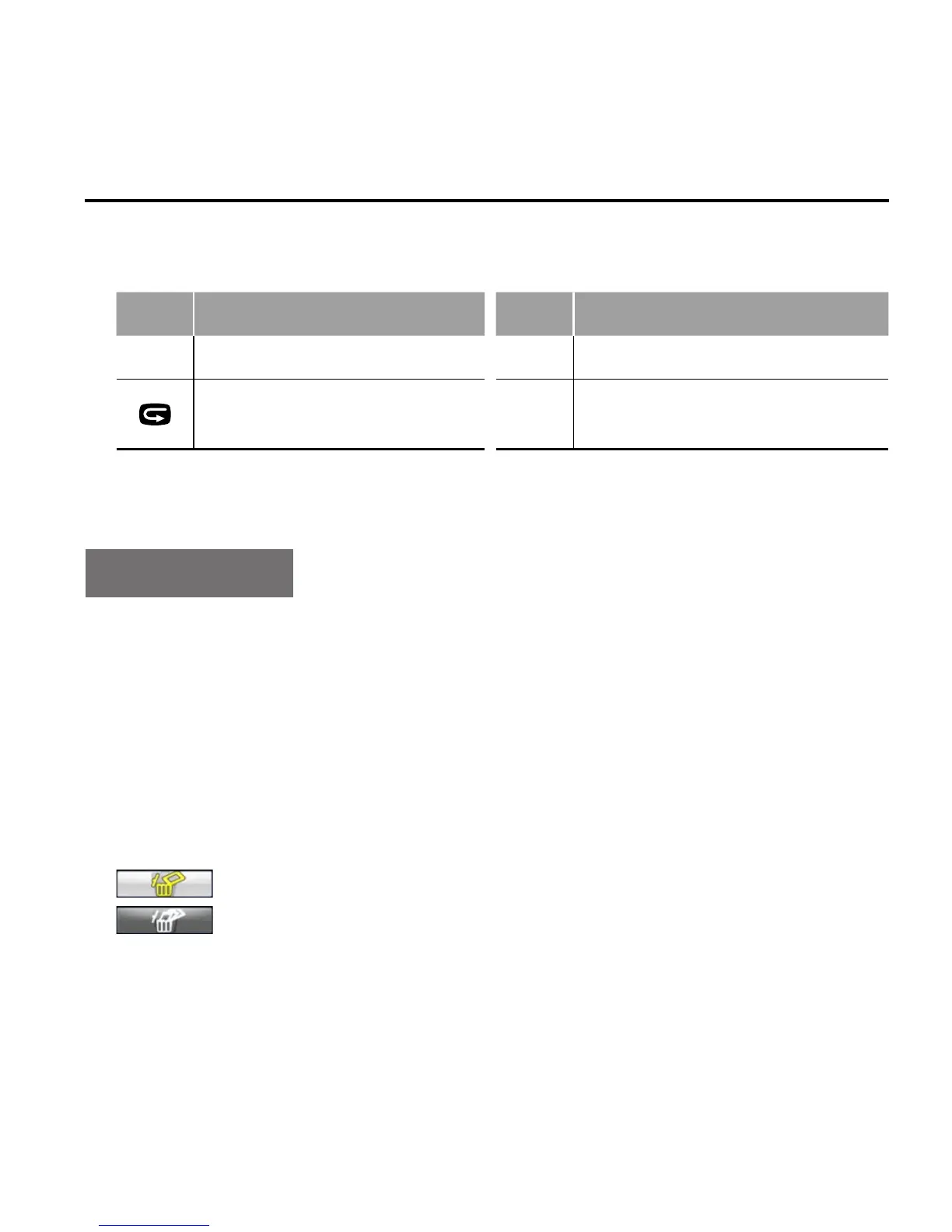
• When playing audio files, the functions of various buttons are
listed as below:
Button Functions Button Functions
- Decrease volume; + Increase volume;
Press it again to return to
the playback interface;
OK
Play/pause.
Delete Files
1. Under file playback or thumbnail preview mode, move the cursor
to the file icon you want to delete
2. Press "M" button to enter file operation mode and move the
cursor to "Delete file";
3. Press "OK" button to confirm
4. Move the cursor to "delete single"/"delete all" and press "OK"
button to delete the file(s)
: Delete single
: Delete all



 To Next Page