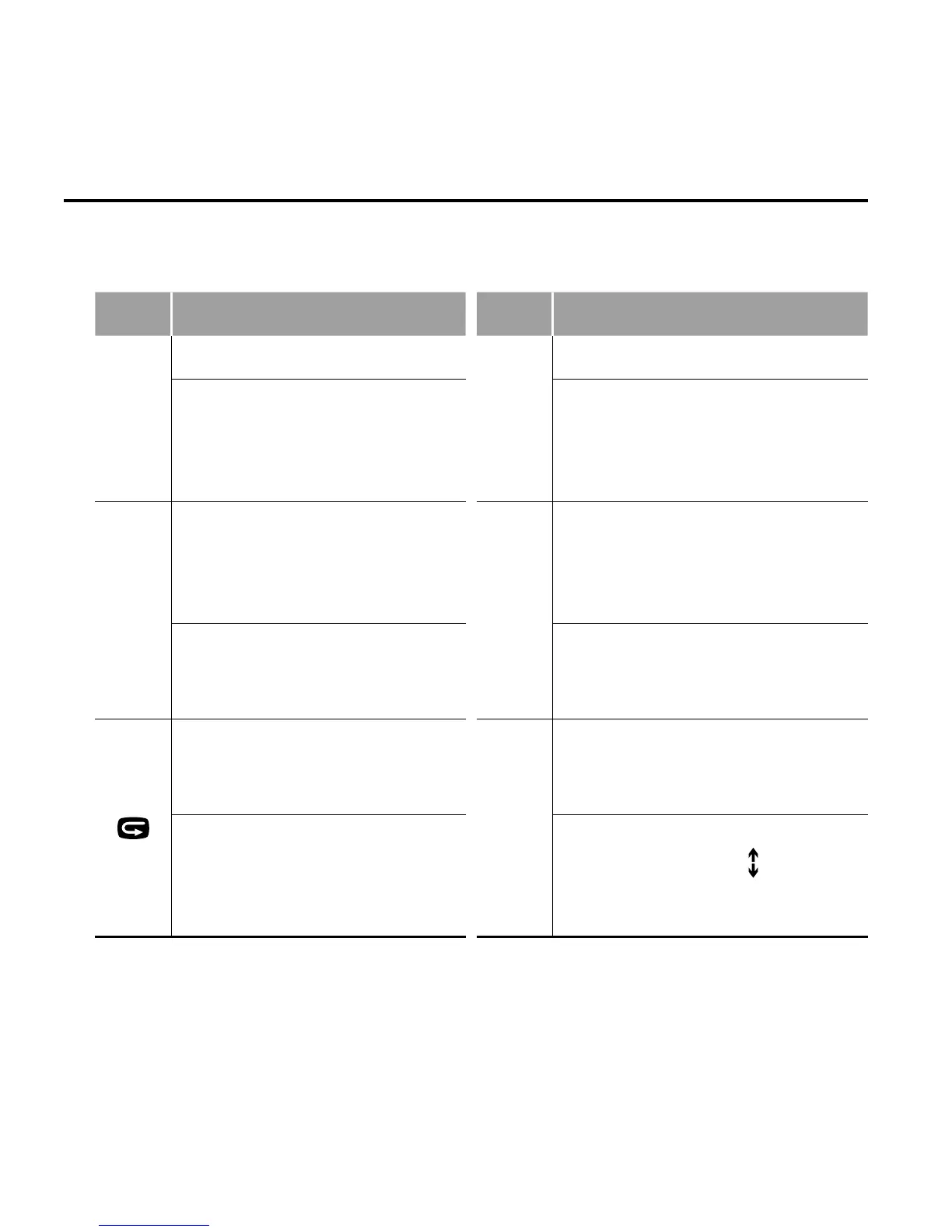
• When reviewing photos, the functions of various buttons are listed
as below:
Button Functions Button Functions
-
Zoom out;
+
Zoom in;
In zoom-in mode, when
you press "OK", you can
press "-" to move the photo
downward;
In zoom-in mode, when you
press "OK", you can press "+"
to move the photo upward;
<
In zoom-in mode, when
you press "OK", you can
press "<" to move the photo
rightward;
>
In zoom-in mode, when you
press "OK", you can press ">"
to move the photo leftward;
When a photo is displayed
in its actual size, press "<"
to view the previous photo;
When a photo is displayed
in its actual size, press ">" to
view the next photo;
In zoom-in mode, press it
to restore the photo to its
actual size;
OK
When a photo is displayed in
its actual size, press "OK" to
rotate it;
Press it to preview photos in
thumbnails.
In zoom-in mode, when you
press "OK", the "
" icon will
appear in the upper left corner,
you can to move the photo;



 To Next Page