File Protection and Unlocking
1. Under file playback or thumbnail preview mode, move the cursor
to the file icon you want to protection
2. Press "M" button to enter file operation mode and move the cursor
to "file protection";
3. Press "OK" button to confirm
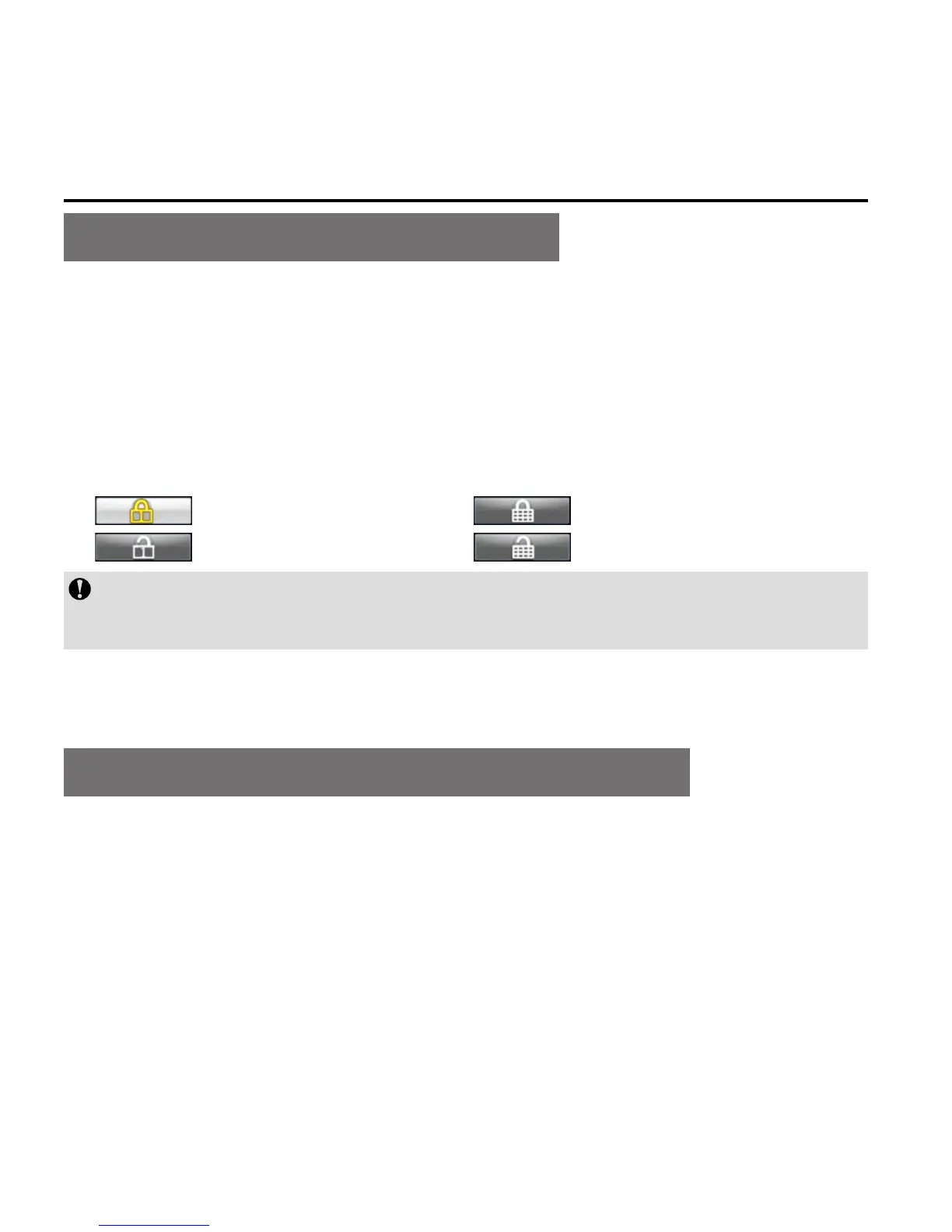
4. Select protection type and press "OK" to confirm
: Protect single : Protect all
: Unlock single : Unlock all
The protected files cannot be deleted. However, such files can be
deleted by formatting.
Upload Audio/Video/Photo Files to PC
1. Use USB data cable to connect the camera to a PC;
2.
Switch on the S71;
3. Click the "My Computer" icon on the desktop and find the
"Removable Disc". If the camera is not detected, close "My
Computer" window and reopen it after a while. The "removable
disc" will be displayed;



 To Next Page