Photo Shooting
Operating Procedure for Photo Shooting
1.
Turn
the S71 on to enter the recording standby mode;
2.
Point the lens to the subject and preview it on the display;
3. Press the "Shutter" button once to switch the working mode to
"photo shooting";
4. Press the "Shutter" button again to shoot one photo.
•
The system will c
lick to
indicate completion and will return to
photo shooting standby mode;
•
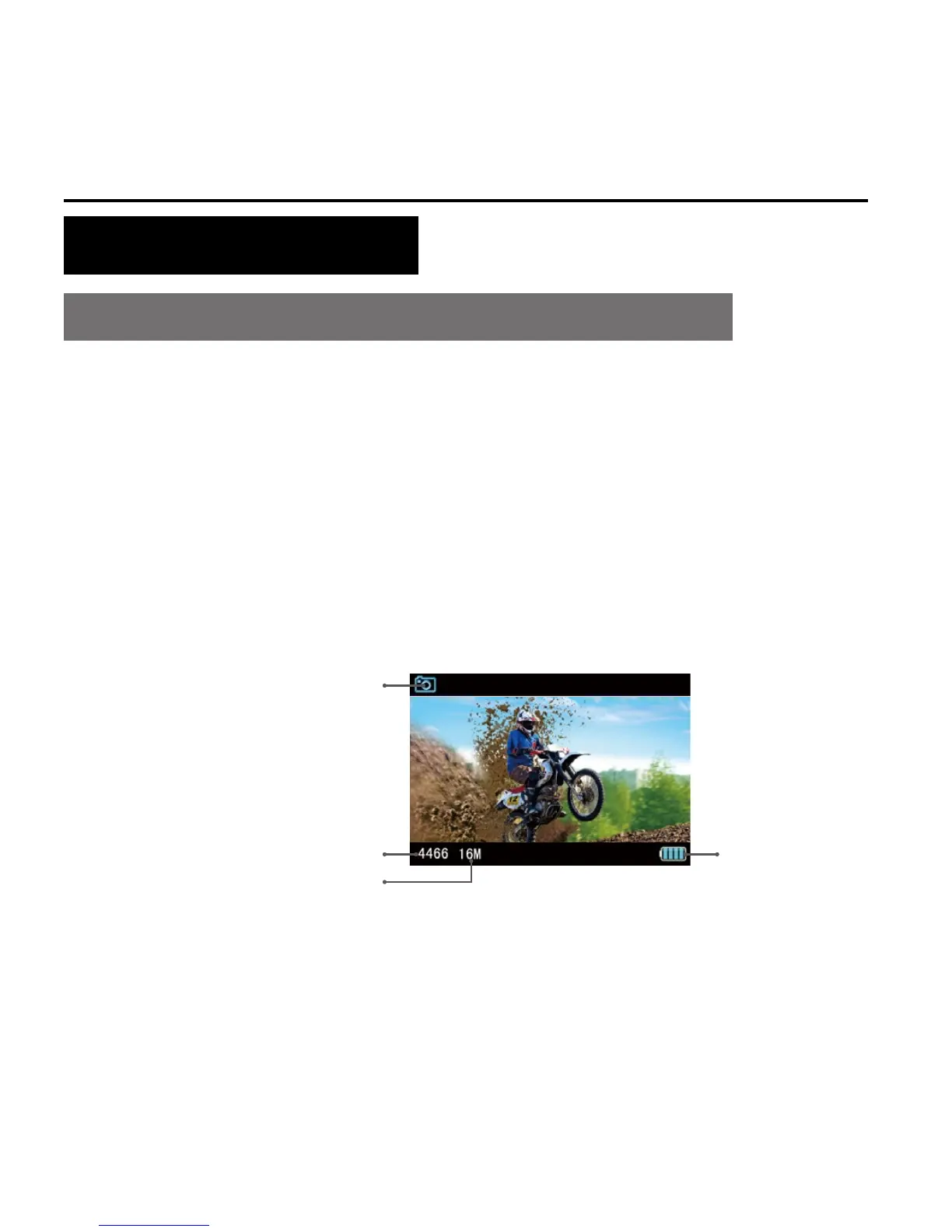
The TFT display under photo shooting mode is shown as below:



 To Next Page