Subject to Export Control, see Cover Page for details. 2-37
B. Generator Calibration
TEST EQUIPMENT: Power Meter
Power Meter Sensor
1. With the System Menu displayed, press the F4 “Selftest” Key to display the Self Test
Menu.
2. Press the 3 Key to display the Calibration Screen.
3. Enter the Calibration Password (30203). Press the F1 “Done” Key to display the Internal
Calibration Menu.
4. Press the 7 Key (GEN CAL) to display the Generator Calibration Screen.
5. With the cursor on the Mode field, set the Mode selection based on the Power Meter used:
AUTO Agilent N1911A Power Meter / Agilent E4412 Power Sensor
MANUAL Other Power Meter / Power Meter Sensor.
T/R CONNECTOR
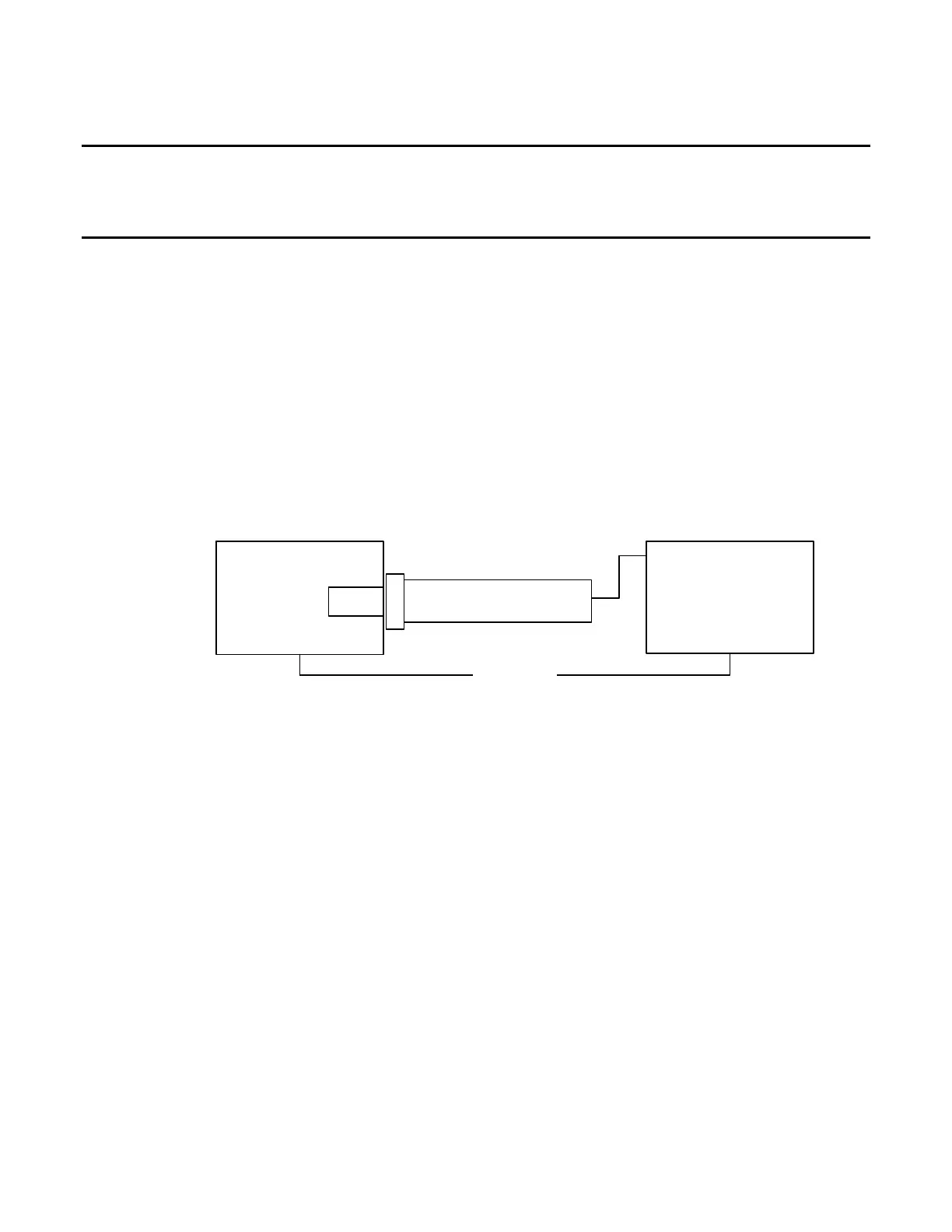
6. Establish the following test setup:
Test*Set
T/R
Power*Meter*Sensor
Power*Meter
Channel*A
Ethernet
( *Only*required*for* AU T O* Mode*)
7. Press the F3 “CAL” Key.
8. Press the F2 “T/R” Key and follow the instructions on the screen to calibrate the UUT T/R
Port.
In MANUAL Mode the Test Set prompts the user to enter readings from the Power Meter.
NOTE
This is an interactive process. At each frequency the output level is
adjusted based upon the Power Meter reading entered by the user until
the reading is within acceptable limits.
9. When the message “CALIBRATION COMPLETED” appears, press the F5 “Enter” Key to
display the Generator Calibration Screen.













 To Next Page