Subject to Export Control, see Cover Page for details. 2-41
D. TCXO Calibration
TEST EQUIPMENT: Frequency Counter
1. With the System Menu displayed, press the F4 “Selftest” Key to display the Self Test
Menu.
2. Press the 3 Key to display the Calibration Screen.
3. Enter the Calibration Password (30203). Press the F1 “Done” Key to display the Internal
Calibration Menu.
4. Press the 6 Key (TCXO CAL ADJUSTMENT) to display the TCXO Calibration Screen.
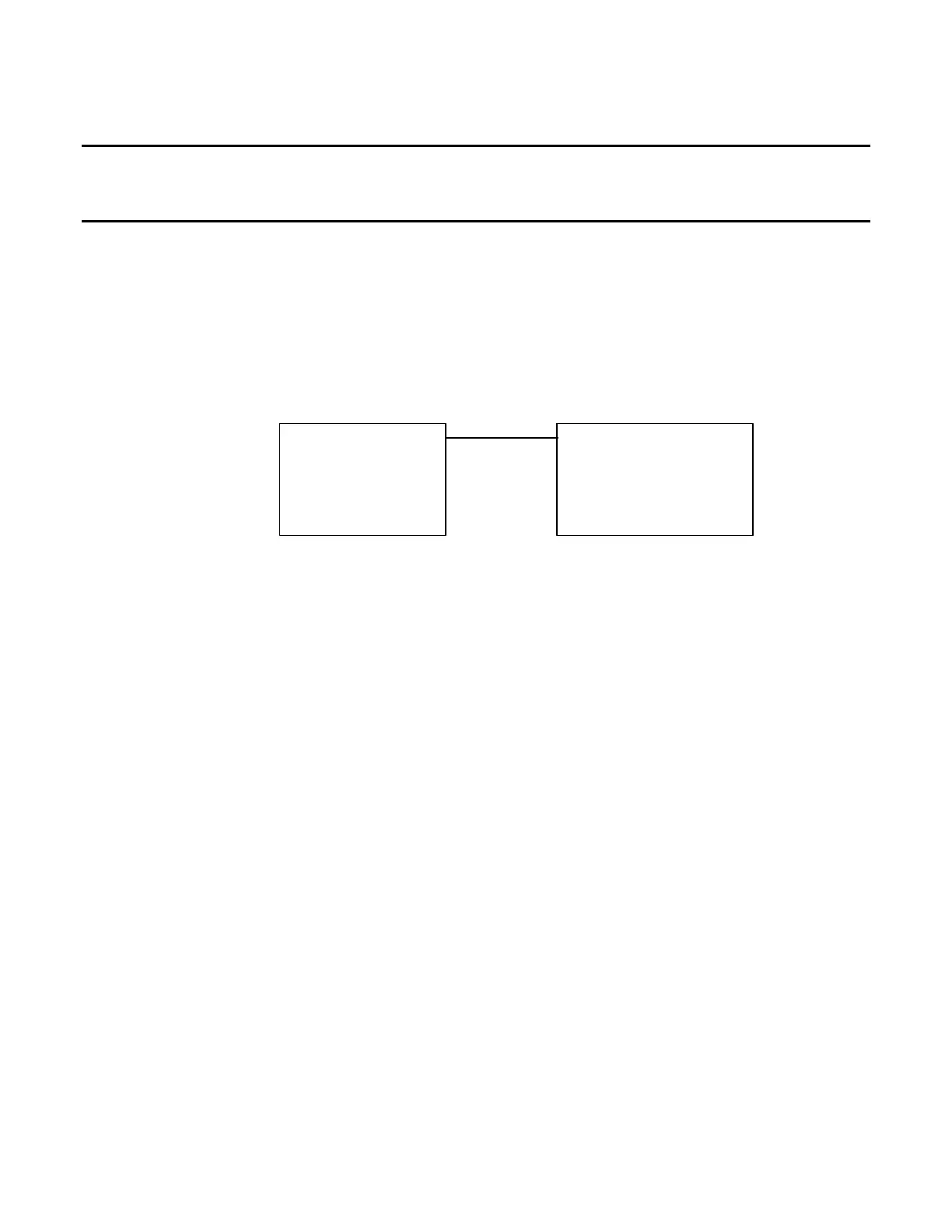
5. Establish the following test setup:
SWR
Test*Set Frequency*Counter
Channel*3
6. Move the cursor to the TXCO: field. Press the F1 “Edit” Key to highlight the field. Enter
the TXCO Value (2100) as the initial value.
7. Adjust the TCXO Value as needed so the reading on the Frequency Counter is as close to
500 MHz as possible. Press the F1 “Done” Key to save the field setting.
8. Press the F3 “Save” Key.
9. Cycle power on the Test Set.













 To Next Page