Subject to Export Control, see Cover Page for details. 2-51
G. Audio Level Meter Calibration
TEST EQUIPMENT: Function Generator
Digital Multimeter
NOTE
This procedure is for the 3500A only.
1. With the System Menu displayed, press the F4 “Selftest” Key to display the Self Test
Menu.
2. Press the 3 Key to display the Calibration Screen.
3. Enter the Calibration Password (30203). Press the F1 “Done” Key to display the Internal
Calibration Menu.
4. Press the 2 Key (AUDIO LEVEL CAL) to display the Audio Level Calibration Screen.
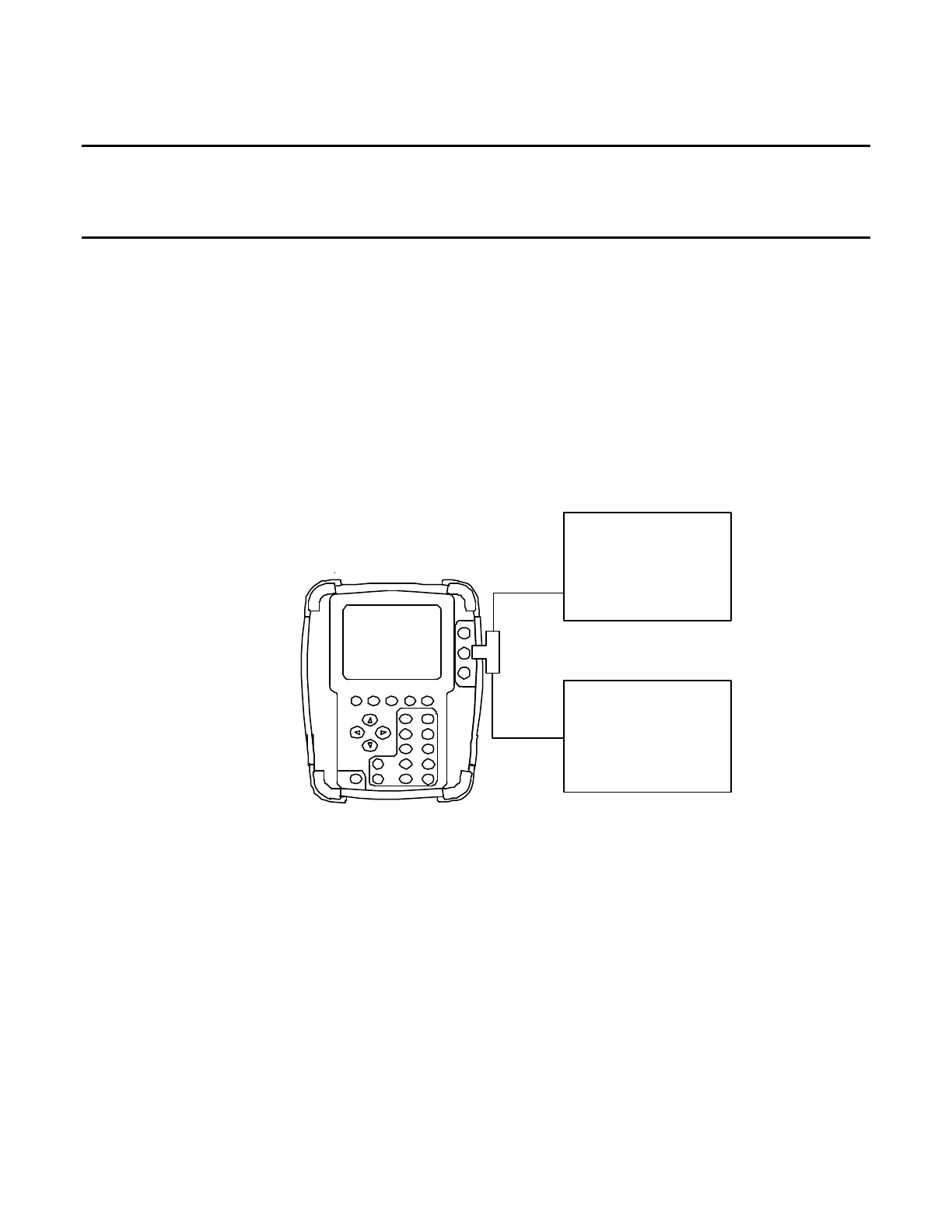
5. Establish the following test setup:
Digital* Multimeter
(Voltmeter)
Function* Ge ne r a tor
( AUDIO IN Connector )
OUT
6. Press the F3 “CAL” Key and follow the instructions on the screen.
7. When the message “CALIBRATION COMPLETED” appears, press the F5 “Enter” Key to
display the Audio Level Calibration Screen.
8. Cycle power on the Test Set.
9. Verify no errors are shown in the progress indicator.













 To Next Page