21 / 34
Device Info
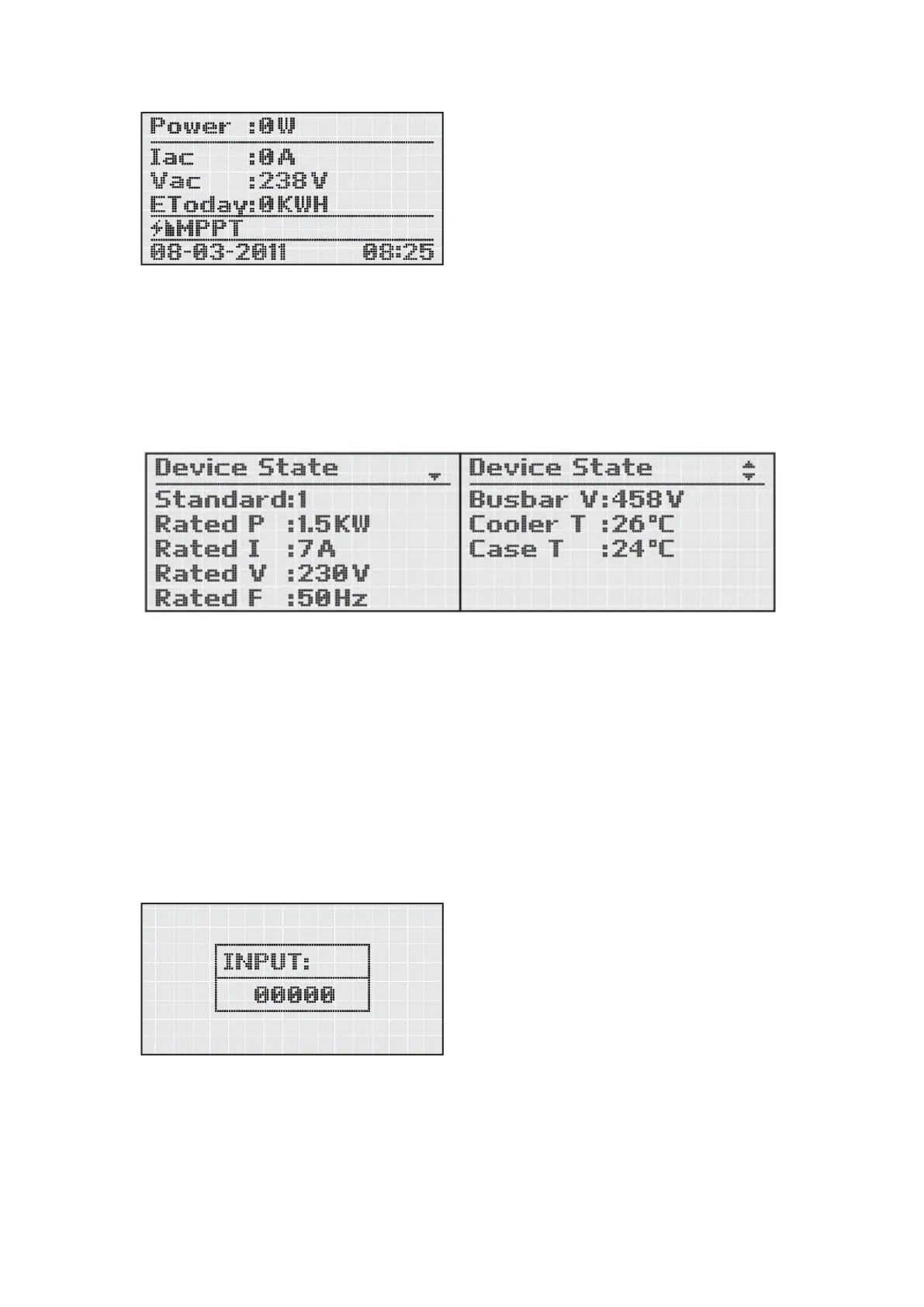
Press ‘Enter’ to open the submenu ‘Device Info’. This submenu contains these follow
information: Rated power, Rated current, Rated voltage, Rated frequency, Busbar
voltage, Cooler Temperature, Case temperature. Screens can be scrolled manually by
pressing the ‘Up’ & ‘Down’ keys.
History Info
Press ‘Enter’ to open the submenu ‘History Info’. ‘History Info’ records the fault
information group and it records the fault parameter in detail. Screens can be
scrolled manually by pressing the ‘Up’ & ‘Down’ keys.
Advanced Info
‘Advanced Info’ refers to the password. Type in the correct password (The password
can be altered manually by pressing the ‘Up’ and ‘Down’ keys, then press the ‘Enter’
key to confirm).
For safety usage and do not affect the efficiency of the inverter, this submenu should
be operated by the authorized electrician only. Pressing ‘Esc’ calls back the main
menu.
Date/Time Adj.




 To Next Page