Maintenance
DD+DIS013.02E
Section 12 / 16 ADC Solo Edition 1, Revision 10
(Type 5155 / 100/200)
Dust
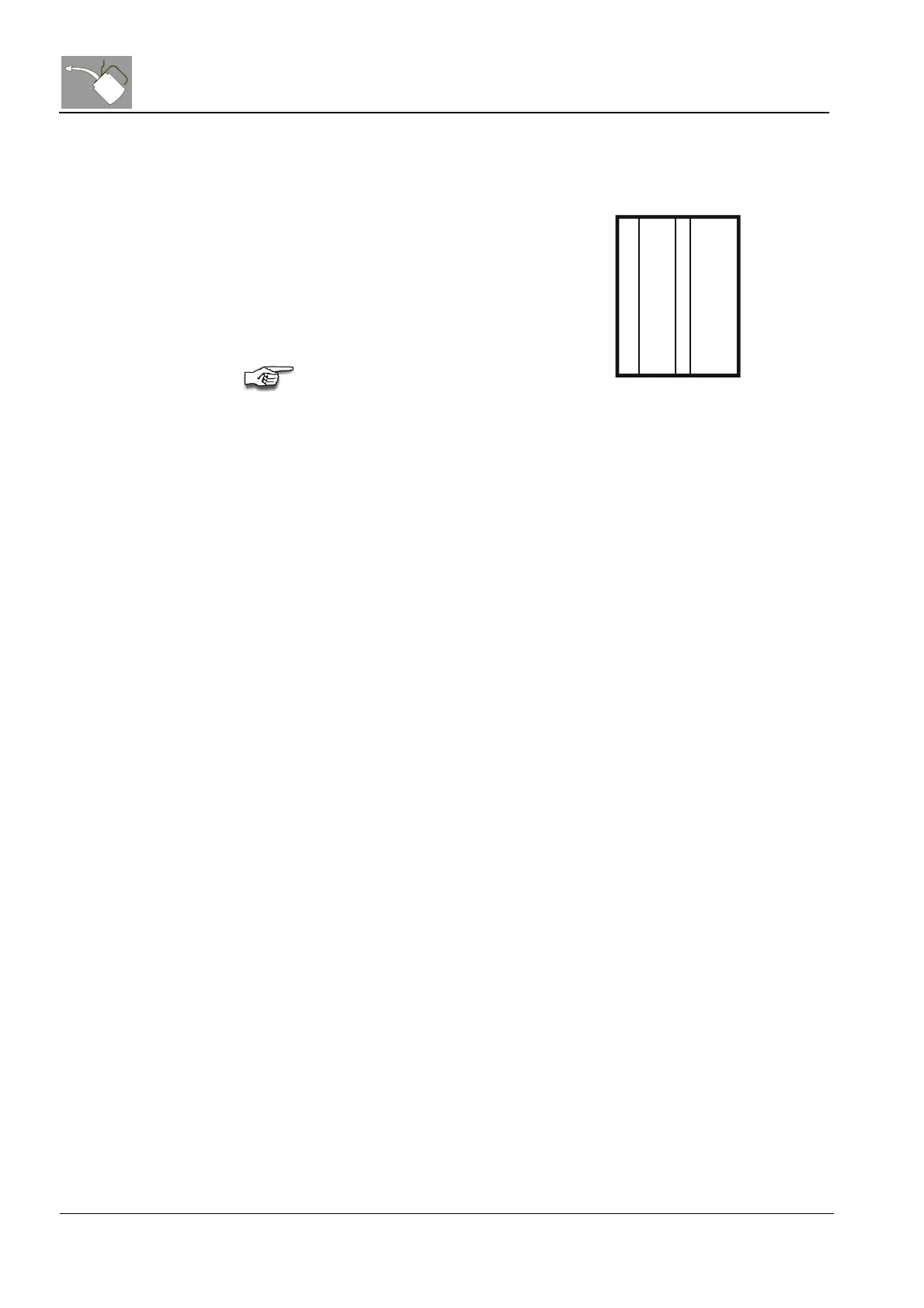
Fine sharp lines in slow scan
direction on the flat field (see
beside).
• Check if scanner is dusty. In
case of, use the scan-brush to
remove it. Expose another flat
field and compare it again with
the sample.
If there are still unacceptable
effects please contact the Support
Center.
Figure 14
5 Completion of Maintenance
(1) Confirm the maintenance by signing the checklist
(2) Make a backup of the system on floppy.
(3) Inform the customer about what was done during the maintenance and
which repairs need to be done in next future.


 To Next Page