26
4454C EN 2013-05-14Maintenance
CR 35-X DIGITIZER
Cleaning the optic unit
The only maintenance action which you must perform is checking image
quality. Refer to the user manual of the processing system.
Cleaning the optic unit is required if stripes parallel to the image plate
movement can be seen in the image. When you recognize this type of artefact,
when using the CR 35-X, clean the optic unit using the cleaning brush.
1 Switch off the digitizer and disconnect from the mains.
2 Open the front door of the digitizer.
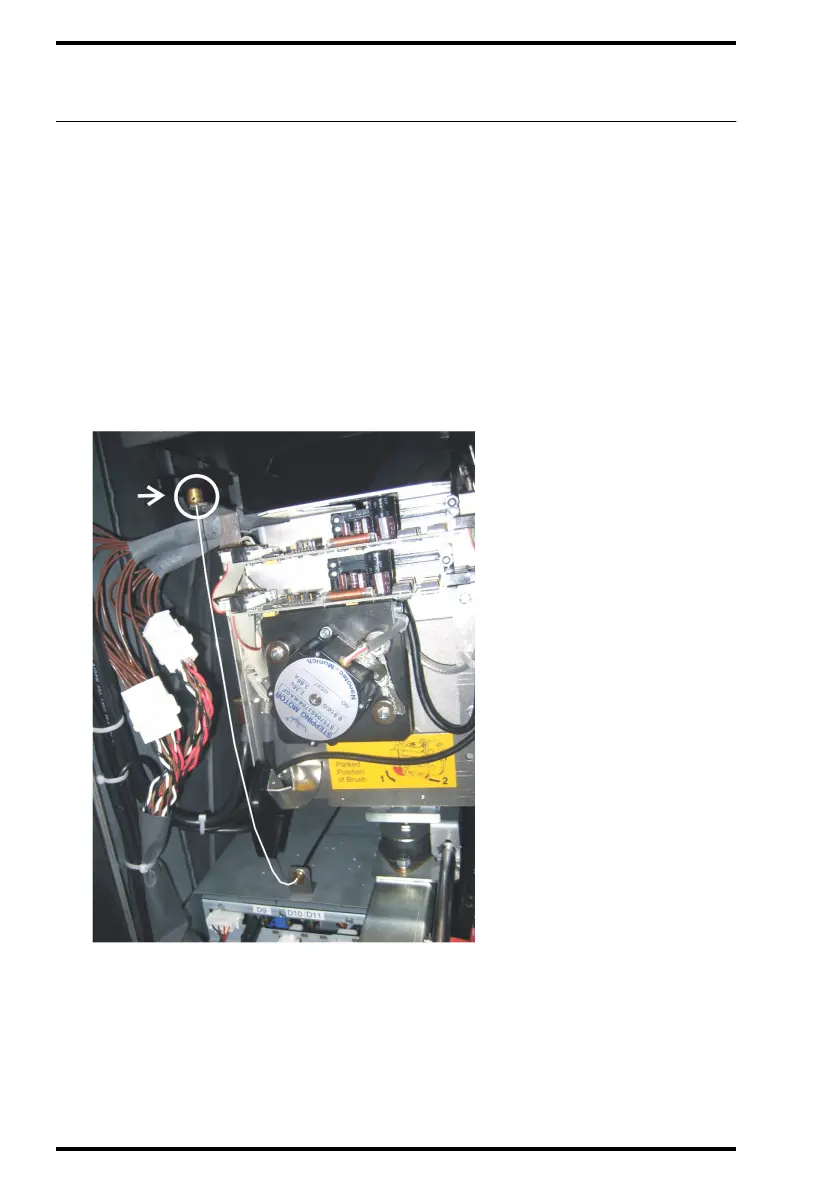
3 Take out the wire of the dust brush.



 To Next Page