51
4454C EN 2013-05-14 Reading an emergency image plate
CR 35-X DIGITIZER
• The status indicator at the top of the CR 35-X must be green and be lit constantly.
2 Press the appropriate emergency button at the front of the CR 35-X.
The emergency button determines the speed class, i.e. the sensitivity, which will be
used to digitize the image plate.
The button which you have pressed will be lit and the display will read:
Note: The CR 35-X is operational if the status field equals ‘READY’, even if
status messages of the destination are shown (e.g. ‘QS not ready’).
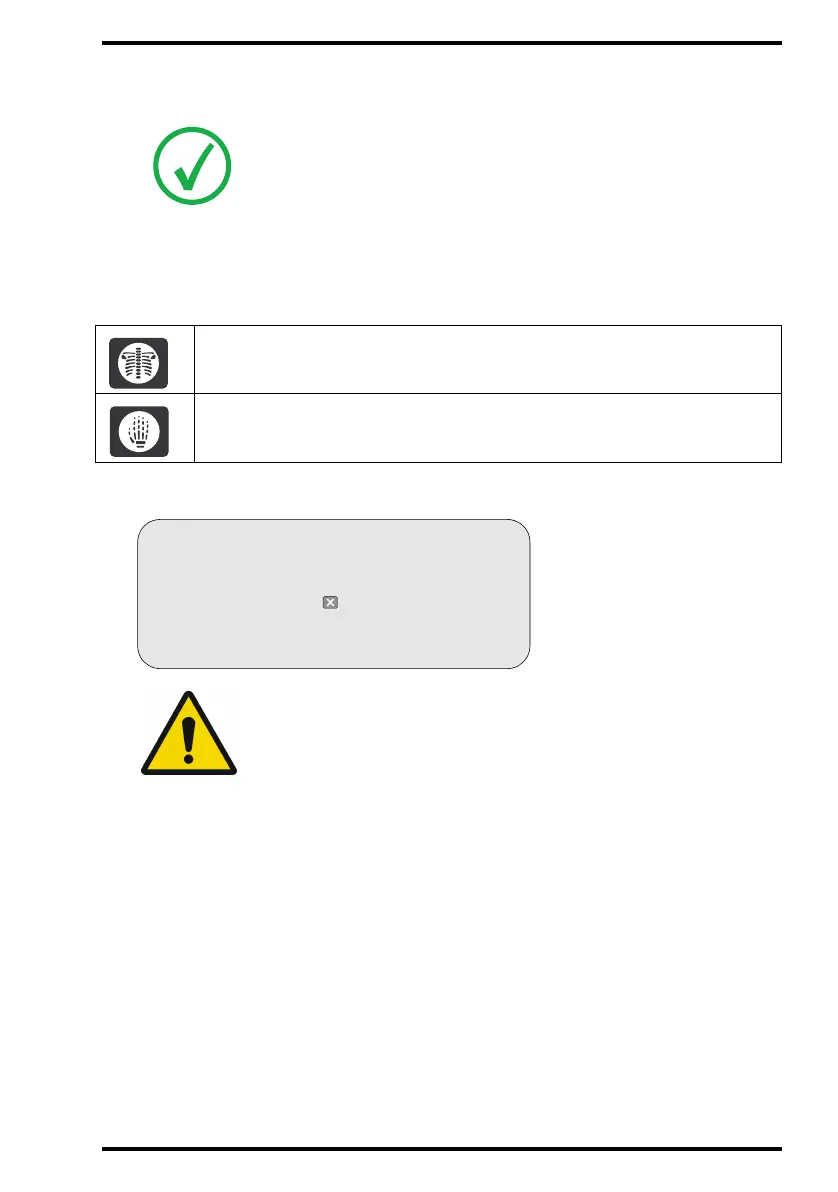
For digitizing unidentified emergency images of the trunk.
For digitizing unidentified emergency images of the limbs.
WARNING: The emergency status will only be assigned to the first
image plate which you insert in the CR 35-X cassette slot after
pressing the emergency button.
READY
EMERG. BUTTON
WARNING
Please enter unidentified cassette
or press to cancel



 To Next Page