57
4454C EN 2013-05-14 Re-erasing an image plate
CR 35-X DIGITIZER
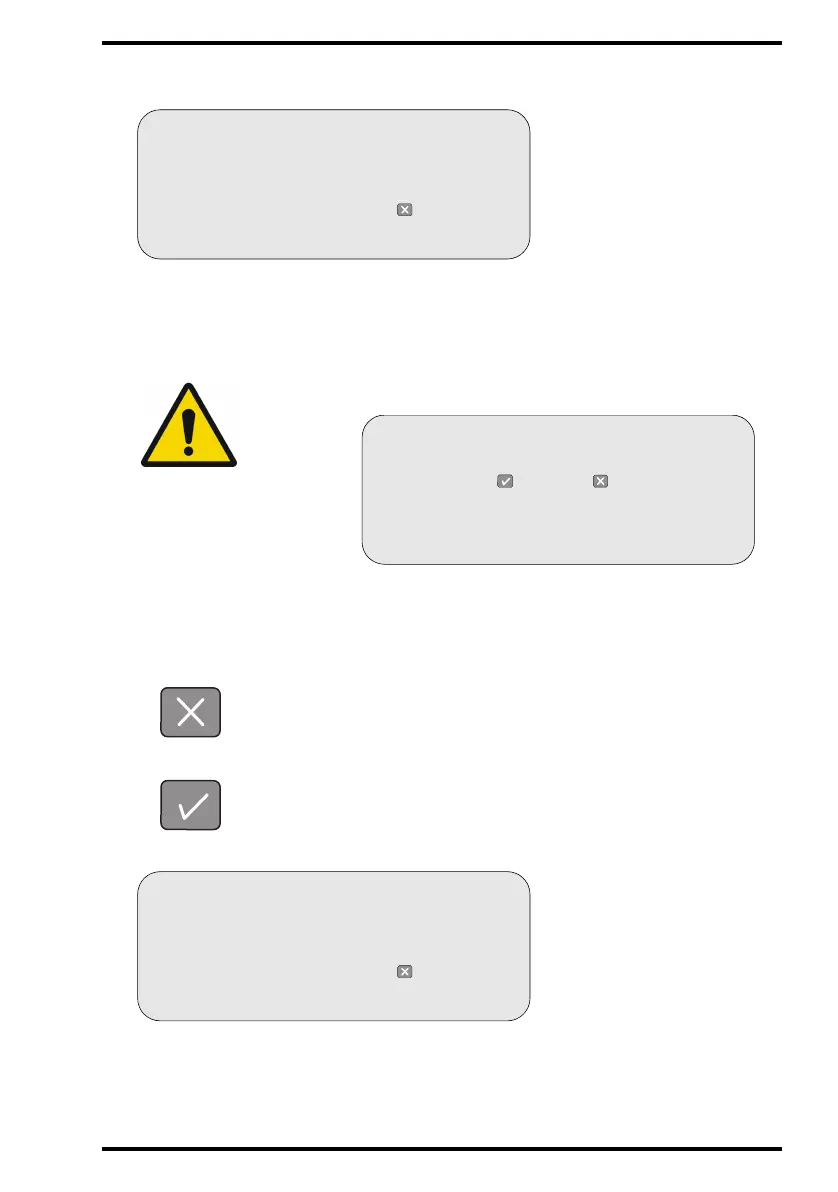
The display will read:
3 Insert the cassette into the cassette slot.
While erasing, the CR 35-X will still display the above screen. When the CR 35-X has
erased the image plate, it displays the operator main screen.
To cancel erasing and make a regular scan: press the Escape key.
To erase the image plate: press the Confirm key.
While erasing, the CR 35-X will display:
WARNING: If the above screen is not displayed but the display reads:
you have entered a cassette with ID data not having the status ‘erased’.
You now have the choice, either cancel erasing or erase the image
plate.
READY
ERASURE
WARNING
The next cassette will be erased
Put cassette in slot or press to quit
LOCKED
ERASURE
ERASE “PATIENT NAME”?
Press to erase or to scan
READY
ERASURE
WARNING
The next cassette will be erased
Put cassette in slot or press to quit



 To Next Page