Chapter 2 — Installing the scanner 20
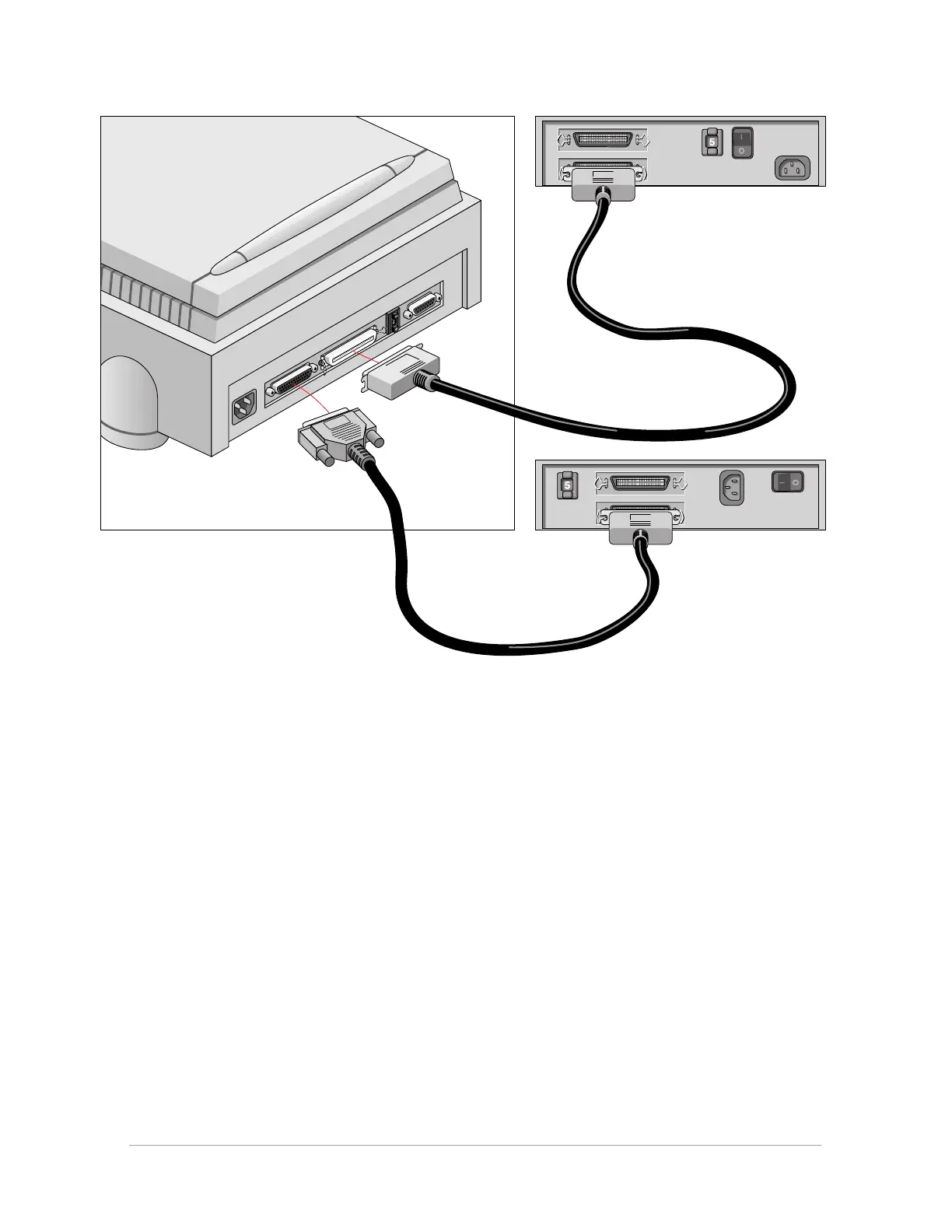
■ If you install the scanner between two other devices:
1. Disconnect your SCSI cable from one of these two devices.
2. Connect the free end of this SCSI cable to the scanner.
3. Connect the 50-pin end of the SCSI cable (the one supplied with your scanner) to the other
adjacent SCSI device.
4. Connect the 25-pin end of the SCSI cable (the one supplied with your scanner) to the scanner.
5. Snap the diamond shaped wire clips into the clip brackets to secure the connection.



 To Next Page