Chapter 2 — Installing the scanner 22
Installation for the PC
This section shows you how to set up your StudioStar with your PC. You can find information on
which SCSI interface card to use, instructions for connecting the scanner to your PC and
instructions for testing the connection.
Which SCSI interface card
Choosing a SCSI ID number
Connecting the scanner
Testing the connection
Which SCSI interface card
StudioStar requires a SCSI interface card (for example, the Adaptec card AVA 1502P™ that is
supplied with the scanner) to work with your PC, PC-AT™, 386, 486, or compatible computer.
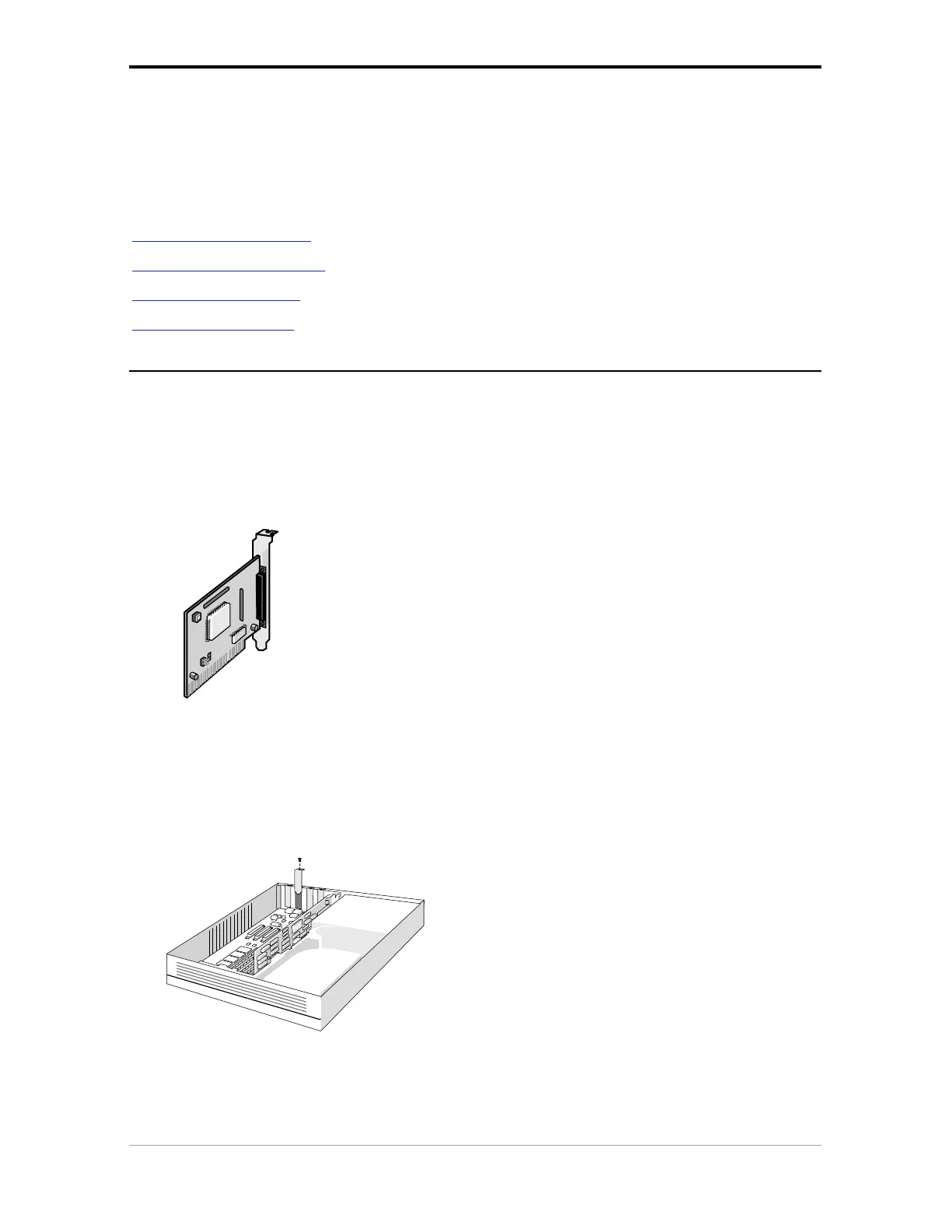
■ If your PC does not have such a card, you have to install the SCSI interface card that is supplied
with your scanner.
1. Remove the chassis cover of your computer.
2. Locate an unused 16-bit ISA expansion slot.
3. Remove the corresponding slot cover from the back of the computer chassis. Keep the
screw that held the cover in place.



 To Next Page