Appendix B — Using the document feeder option 44
Paper loading
Before loading the ADF, check to see if the transparent guide flap is firmly attached in place,
and the protective film is removed as described in
“Installing the document feeder option”
. If it
is not, scanned documents will jam up against the base of the feeder, rather than being moved
into the output tray.
To load documents:
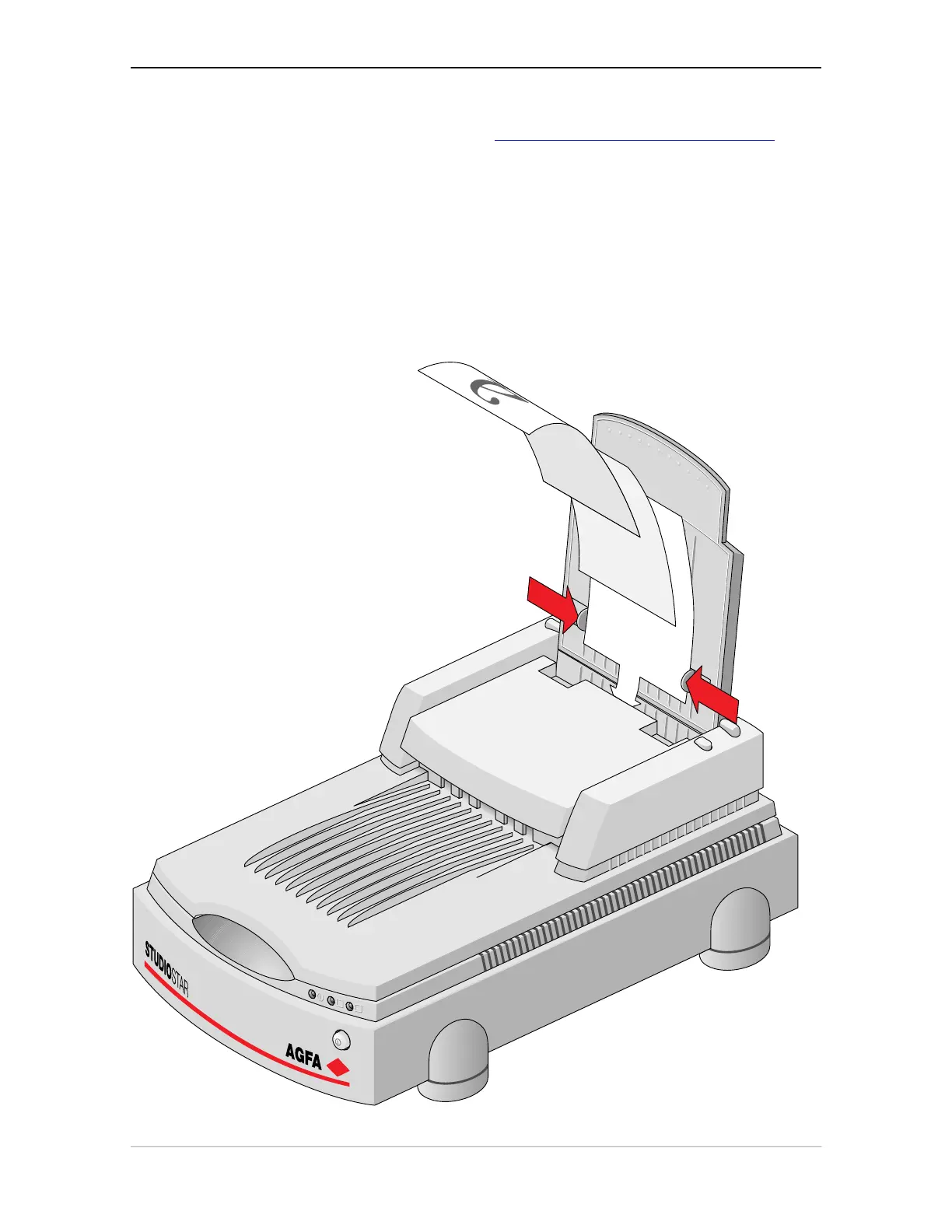
1. Pull the paper support up, this prevents the paper sheets not to bend down.
2. Place the documents in the input tray with the side to be scanned facing down.
3. Make sure the pages are aligned in the center with the two guide arms.
4. If the documents are less than 8.5" wide, use the sliding guide arms to hold the stack in
place.



 To Next Page