Appendix A — Using the transparency option 34
Unlocking the transparency option
Unlock the transparency option before connecting it to the scanner.
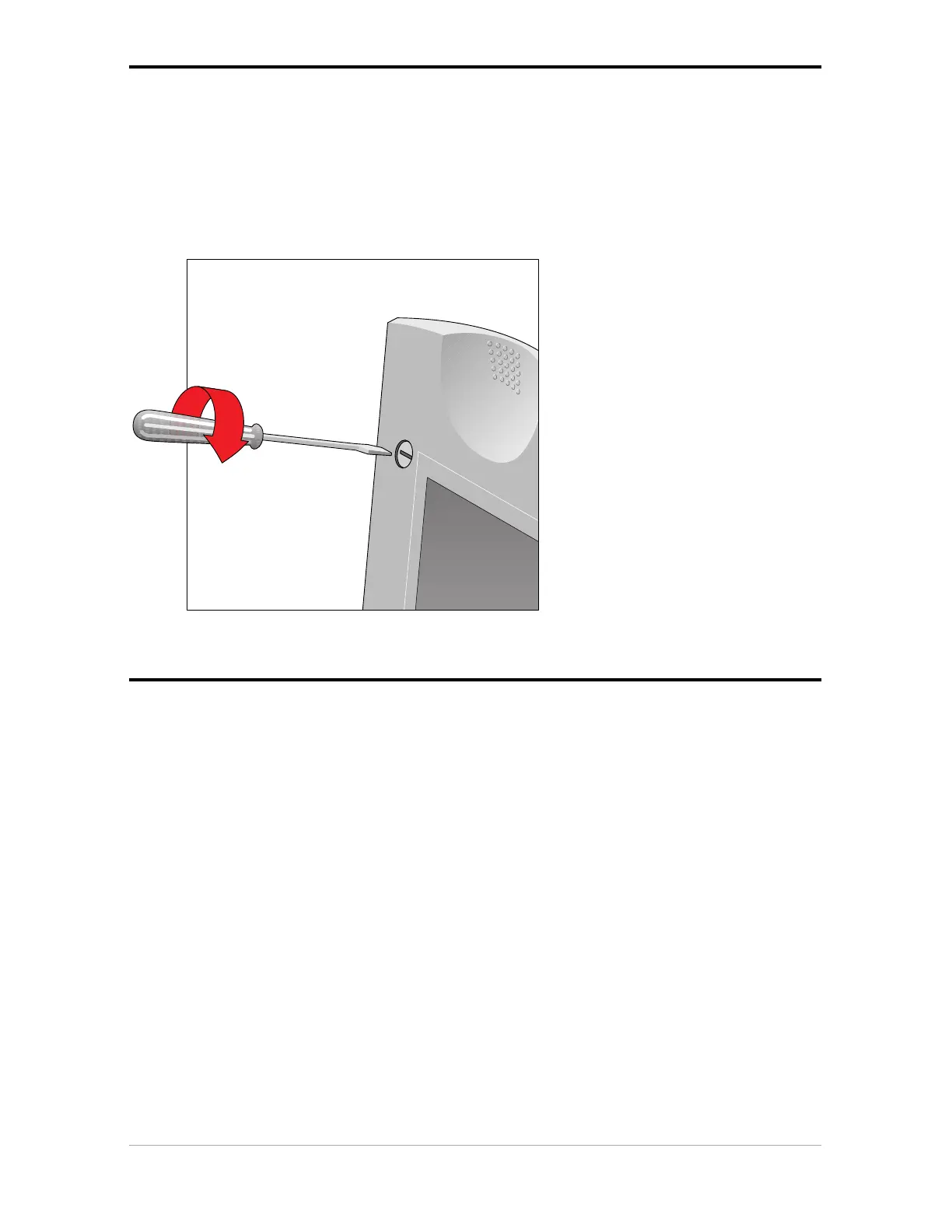
1. Locate the locking screw at the base of the transparency option.
2. Turn the hand screw clockwise.
Your transparency option is unlocked.
Connecting the transparency option
1. Check if your scanner and your transparency option are properly unlocked.
2. Turn off your scanner.
3. Turn off your computer.
4. If the document feeder option is installed, disconnect it from your scanner.
5. Place the transparency option as shown in the figure.



 To Next Page