Appendix B — Using the document feeder option 43
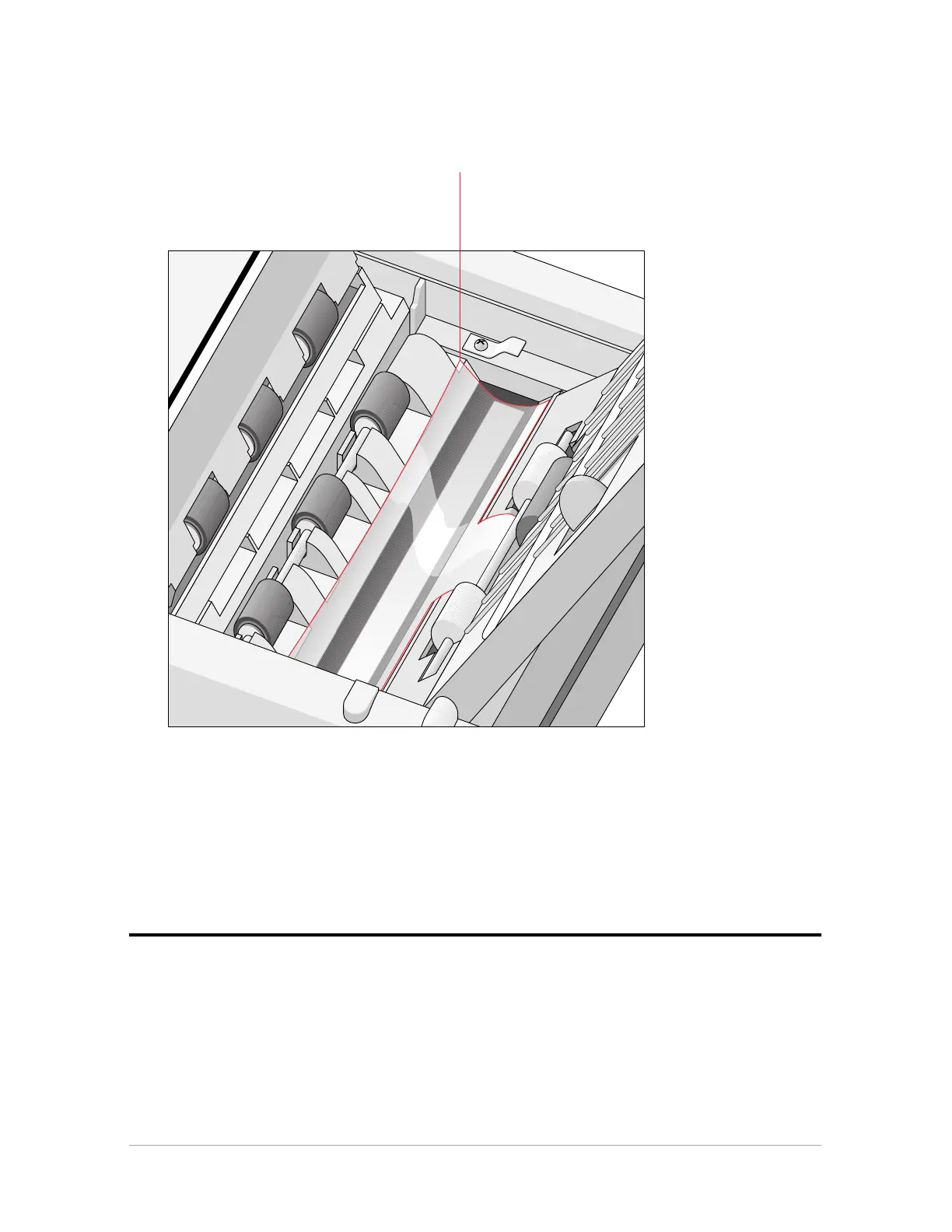
11. Check the transparent guide flap on the base. Make sure one part of the guide flap is securely
attached to the base.
guide flap
12. Close the ADF.
13. Turn your scanner on.
14. Turn your computer on.
Software like OmniPage Limited Edition makes it possible to convert the scanned sheets of
text into most of the commercially used text file formats.
Operating the document feeder option
When the ADF is installed and the computer and the ADF are powered on, start up the scanner
application software.



 To Next Page