Chapter 2 — Installing the scanner 23
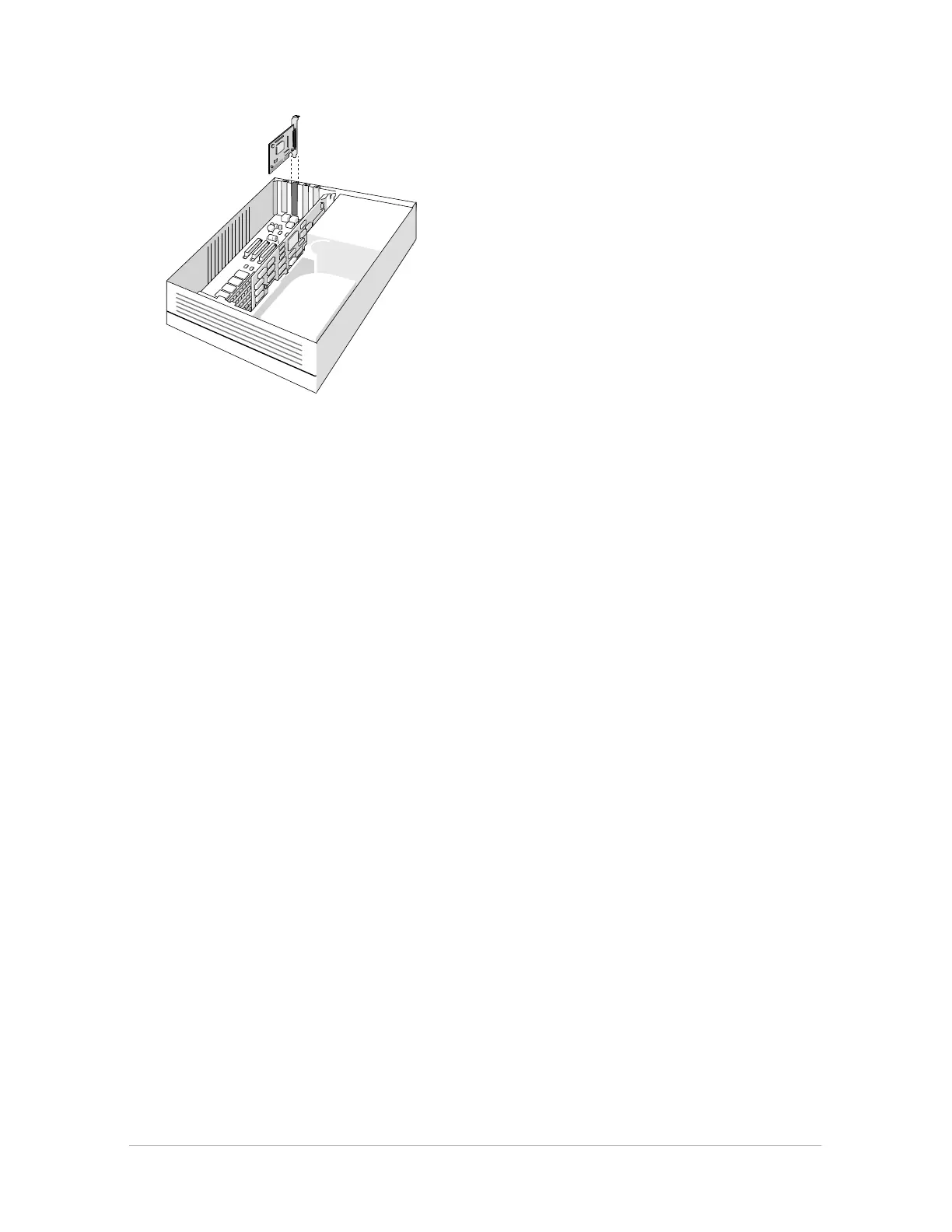
4. Align the AVA-1502P SCSI card with the ISA slot, then push it into the slot.
5. Attach the bracket of the SCSI card to the computer chassis, using the screw from the
expansion slot that you removed.
6. Attach the 25-pin connector on the SCSI cable to the connector on your SCSI card.
7. Replace the computer chassis cover, following the instructions in your computer
documentation.
❖ Note: For additional information about the installation of the SCSI card, please refer to the
documentation on the AGFA scanner CD-ROM.
■ If your PC already has a SCSI interface card, you can extend your network.
The scanner software supplied with StudioStar supports ASPI-compatible SCSI interface
cards.
❖ Note: Please check the following documentation:
■ The Read Me file on the PC scanner driver software disk for up-to-date information.
■ The documentation supplied with your SCSI interface card. This will tell you how to install
the card.
■ If you are using third party software, check the documentation supplied with that software
for the SCSI interface cards supported.



 To Next Page