Appendix B — Using the document feeder option 41
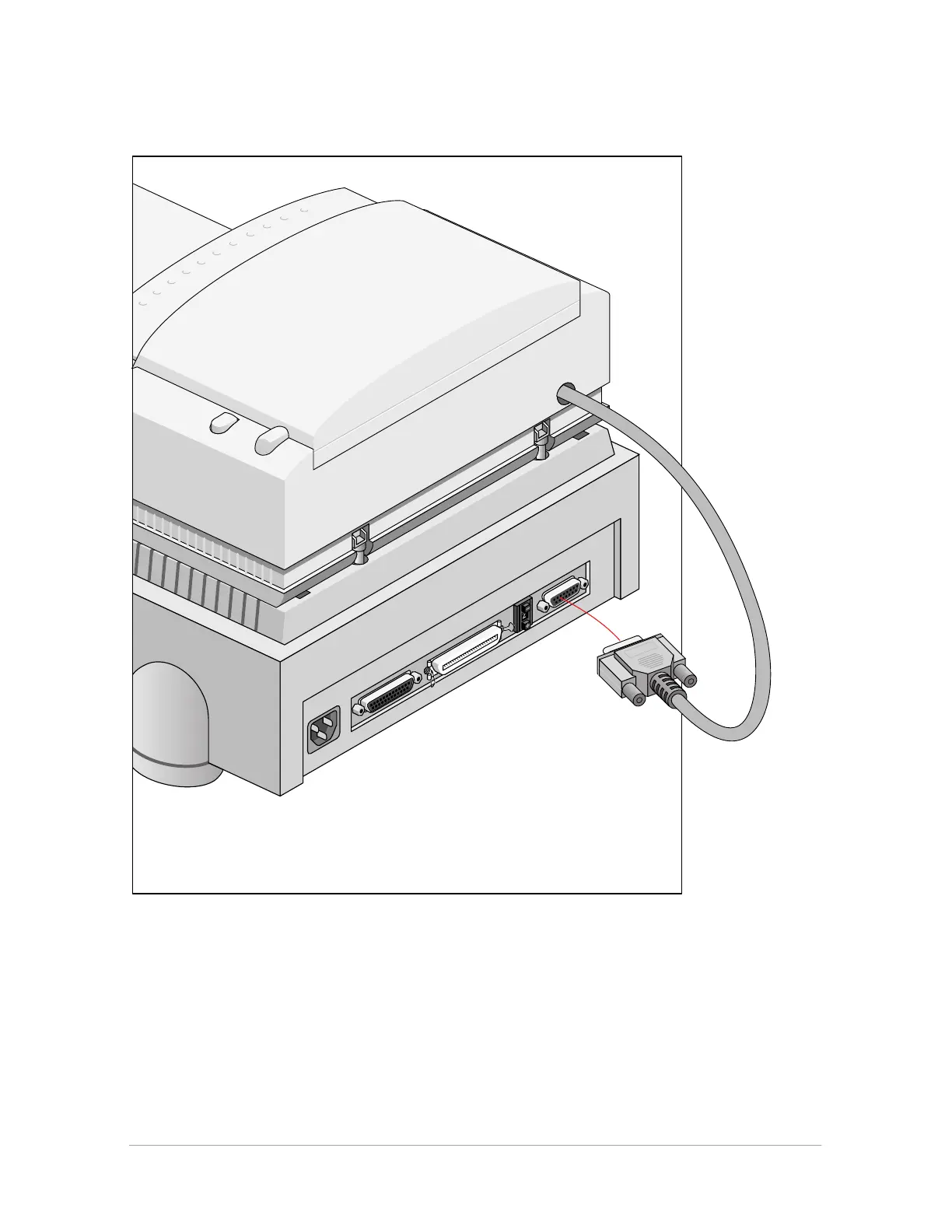
7. Connect the male DB 15-pin connector of the document feeder option to the female DB 15-
pin connector at the rear of the scanner. Secure the connector by tightening its retaining
screws.
8. After the ADF is securely attached, swing the paper support up to over 60 degrees. The paper
support should stay in the raised position by itself.
9. Press the locking button at the right side of the ADF.
The upper housing of the ADF popes up a little.



 To Next Page