6
Button Usage
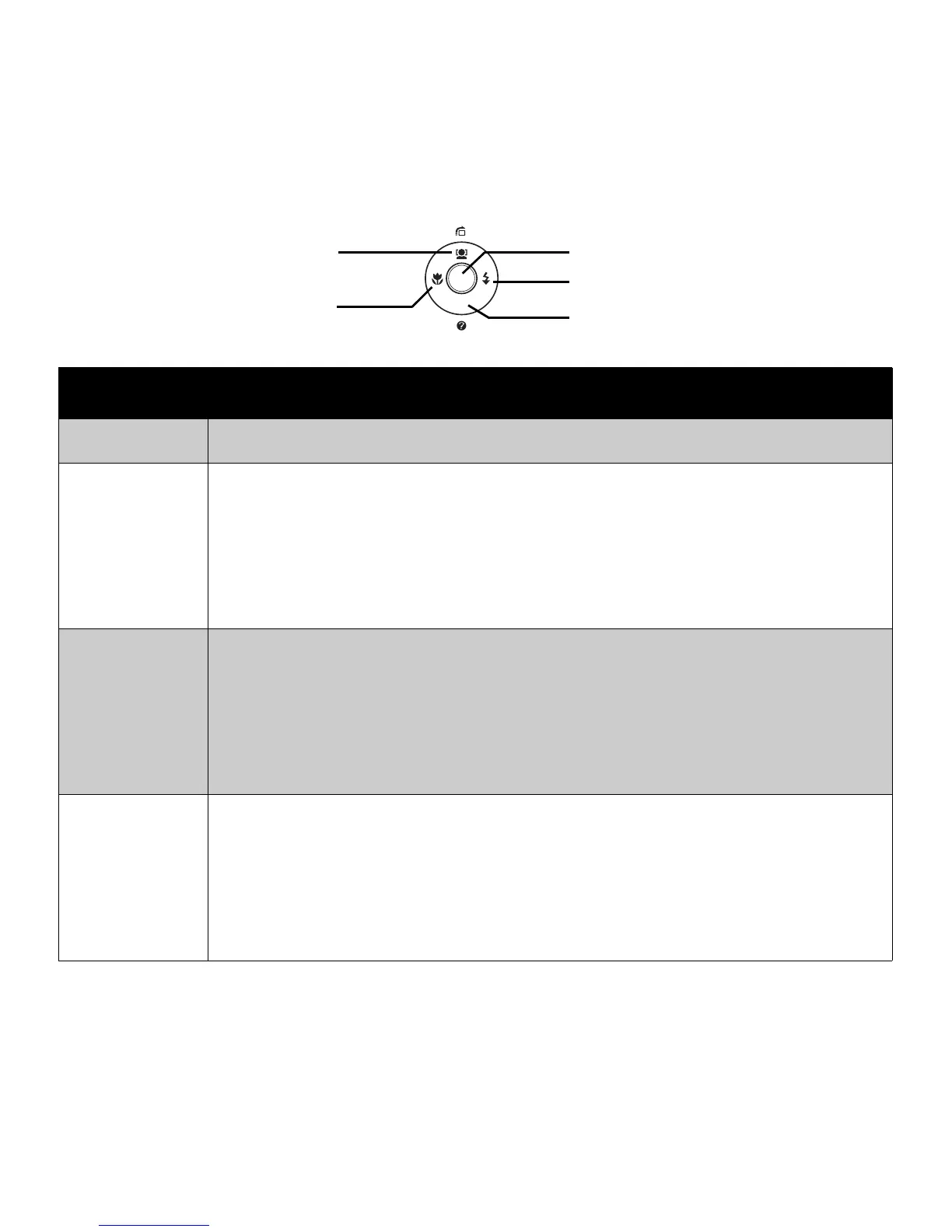
SET 1. Confirm a selection when using the OSD menus.
Flash/ Right
1. In Record mode, press to scroll through the flash mode options. (Auto, Anti
Red-eye, Fill, Slow Sync and Off)
2. In Playback mode, press to view the next image, video or audio clip.
3. In Playback Video mode, press to fast forward video playback
4. In Menu, press to enter the submenu or to navigate through the menu
selections.
Macro/ Left
1. In Record mode, press to scroll through the focus mode options. (Macro, Pan
Focus, Infinite, Normal)
2. In Playback mode, press to view the previous image, video or audio clip.
3. In Playback Video mode, press to retract video playback
4. In Menu, press to exit a submenu or to navigate through the menu
selections.
Up/Face
Tracking/
Rotate
1. In Menu, press to navigate through the menu and submenu selections.
2. In Record mode, press to turn the face tracking function on and off.
3. In Playback Video/ Audio mode, press to Start/Pause video or audio
playback.
4. In Playback photo mode, press to rotate the image clockwise 90 degrees by
each press of the button. This feature is applicable for still images only.
Flash Button
Focus Button
SET Button
Face Tracking/
Rotate Button
Display Button
SET
DISP













 To Next Page