56
Zooming images
The zoom view function works with still images only.
• In normal view, slide the zoom control right
repeatedly until the desired zoom view.
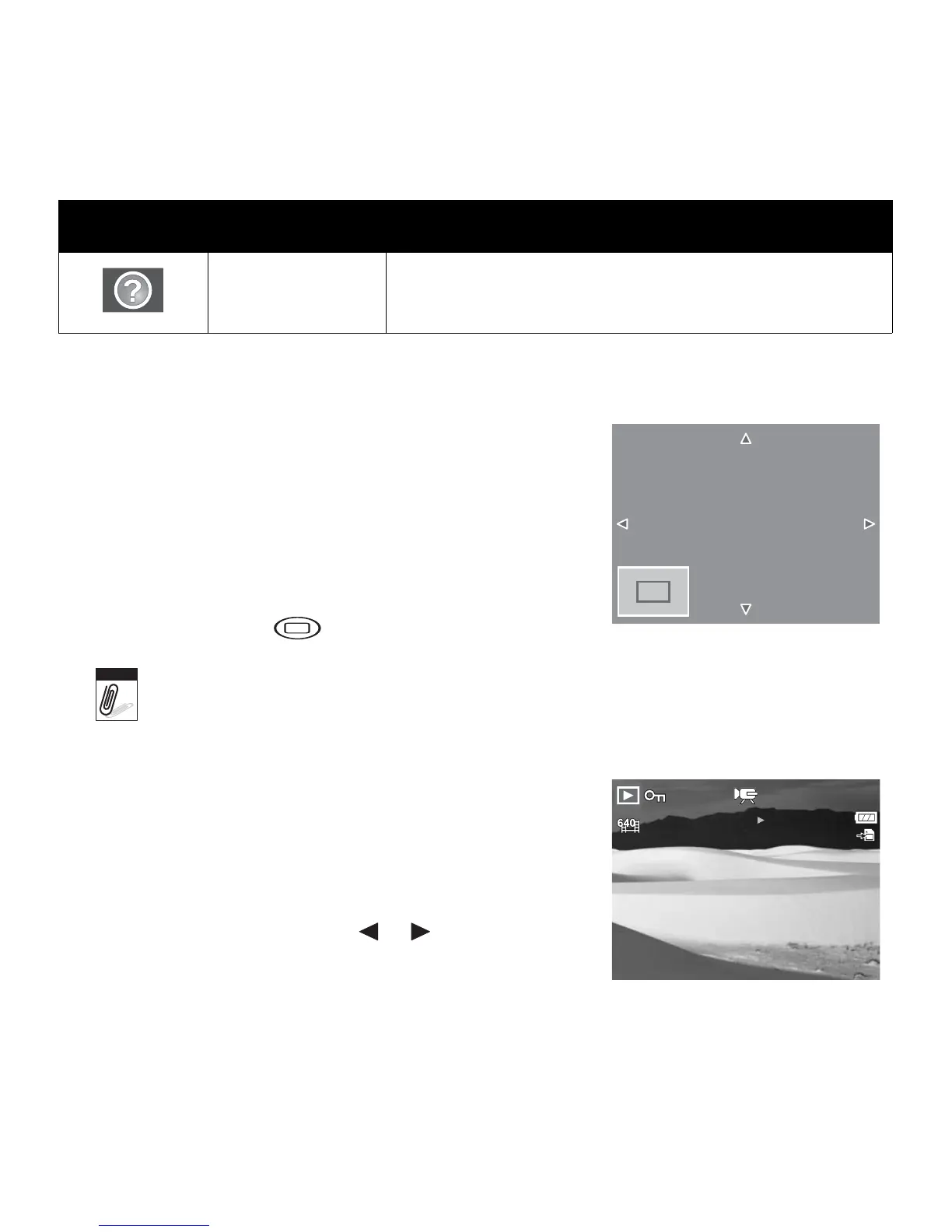
• The 4 arrows on the LCD monitor indicate that the
image is zoomed in.
• You can zoom view an image of up to 12X.
• Use the navigation controls to view the zoomed
image.
•Press the Menu button to close zoom view.
For 320 x 240 resolution images, you can only zoom in up to 6X.
Playing Movies
1. Set the camera to Playback mode.
2. Use the navigation controls to scroll through the saved
images. A movie clip has a movie icon displayed on
screen. See picture on the left.
3. Press the SET button to play the movie.
4. During playback, press the or keys to fast
forward or rewind the movie. The camera supports
forward and rewind speed of up to 4x.
File Error Indicates an error file.
Icons Type Description
x2.0
M
Note
27/27
27/27
2009/01/01 01:57
2009/01/01 01:57
SET
:













 To Next Page