69
Photo Edit
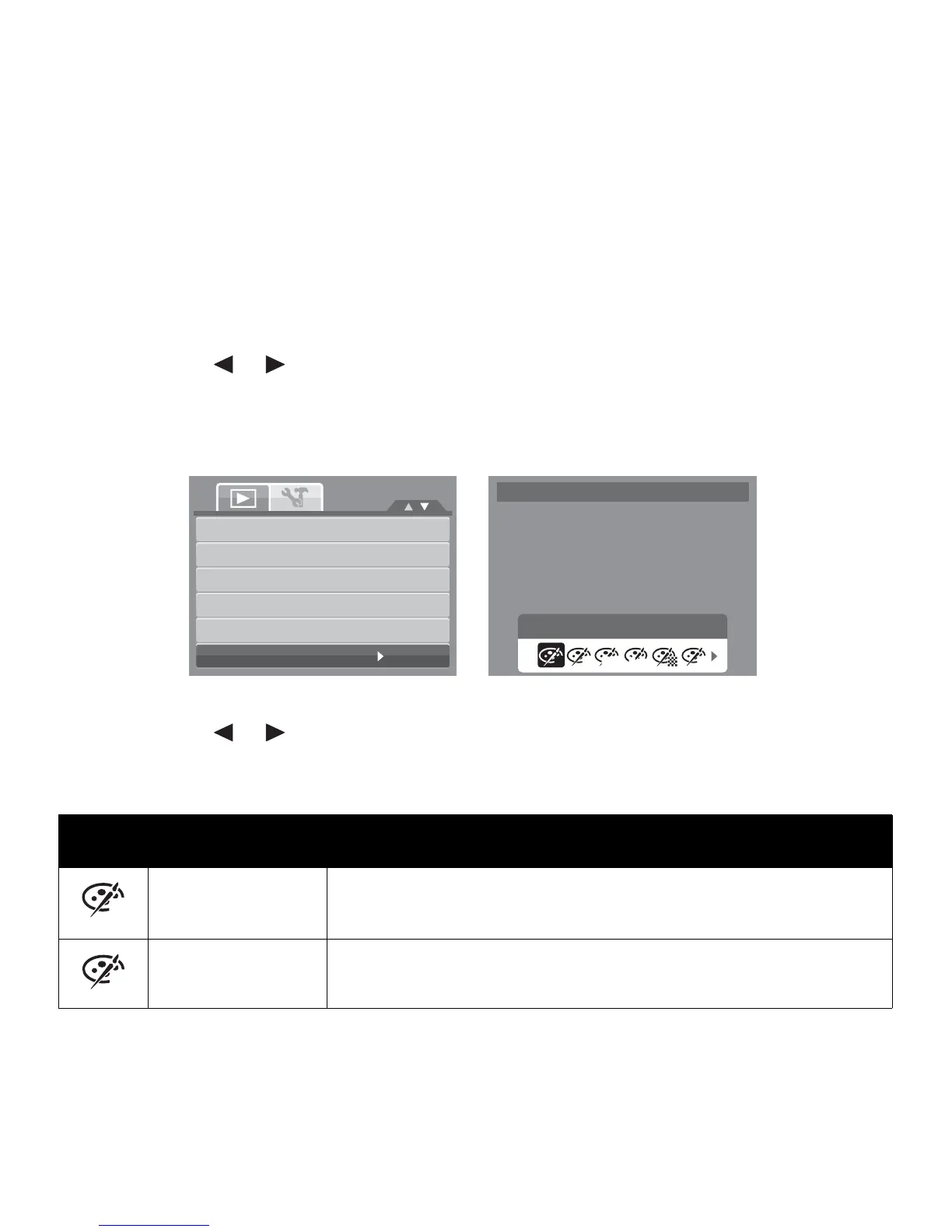
The Photo Edit function lets you edit still images to apply different colors or tones for a more
artistic effect. Edited photos in this function is saved as a new file.
To activate Photo Edit:
1. Set the camera to Playback mode.
2. Press the or keys to scroll and select an image to edit.
3. Press the MENU button to launch the Playback menu.
4. Select Photo Edit. The Photo Edit submenu appears.
5. Press the or keys to scroll and select an option. As you move through the selection,
the preview on the LCD monitor changes synchronously.
The succeeding table shows the available settings.
Icon Item Description
Normal No effect is added to the image.
Sepia Image is saved with a sepia tone.
Photo Edit
Normal
N S RBW
Neg.
Slide Show
Delete
Protect
Red-eye Correction
Voice Memo
Photo Edit
N
S













 To Next Page