22
Recording Photos, Videos and Voices
Taking Photos
Now that you are familiar with your camera, you are now ready to take your photos.
Taking photos with your camera is very simple.
1. Turn on the camera by pressing the Power button.
2. Adjust the switch mode to Photo Record.
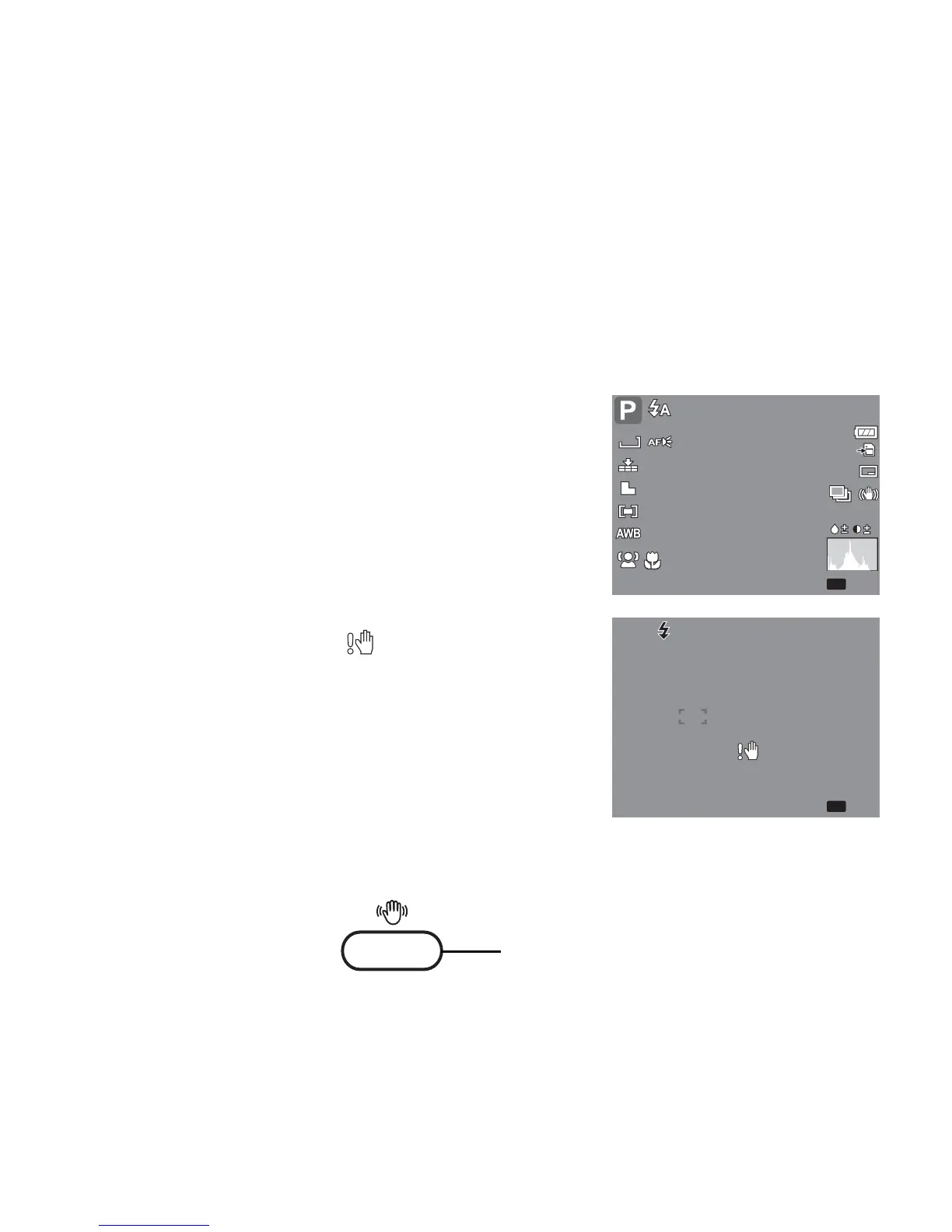
3. Frame the shot using the focus bracket on the LCD
monitor. See illustration on the right.
4. Half press the Shutter button. The camera
automatically adjusts the focus and exposure. When
the camera is ready to take the photo, the frame
bracket turns green, the shutter speed and aperture
value are displayed.
5. Fully press the Shutter button to capture image.
When the shake warning icon appears, hold the
camera steadily, with your arms at your side or use a tripod
to stabilize the camera to prevent blurred images.
Using the Stabilizer
The Stabilizer function prevents blurred images caused by
shaking.
307
307
ISO
AUTO
0.0EV
0.0EV
12M
ISO
AUTO
F 3.0
F 3.0 1/ 30
1/ 30
Stabilizer button













 To Next Page