31
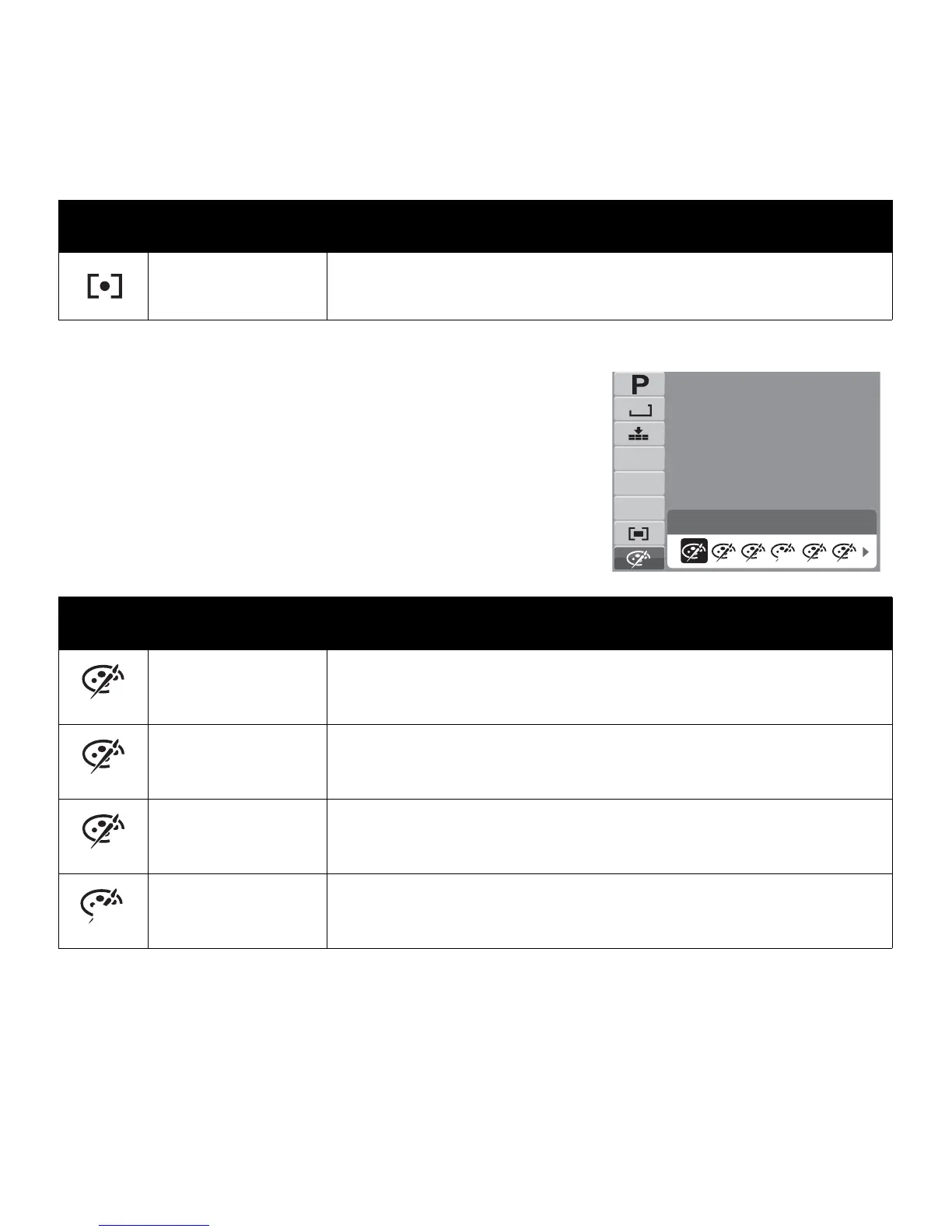
Color Mode
The Color Mode function lets you record still images or
movies and apply different colors or tones for a more
artistic effect.
• As you move through the selection, the preview on
the LCD monitor changes synchronously.
Spot
The camera selects the exposure value based on the center of
your picture.
Icon Item Description
Normal The camera records normally.
Vivid
The camera captures the image with more contrast and
saturation emphasizing on the bold colors.
Sepia Images are captured in sepia tones.
B&W Images are captured in black and white.
Icon Item Description
Normal
N
12M
AWB
ISO
AUTO
VN S R GBW
0EV
N
V
S
B













 To Next Page