50
To set Date Stamp
1. From the Record menu, select Date Stamp.
2. Use the or keys to go through the selection.
3. Press the SET button to save and apply changes.
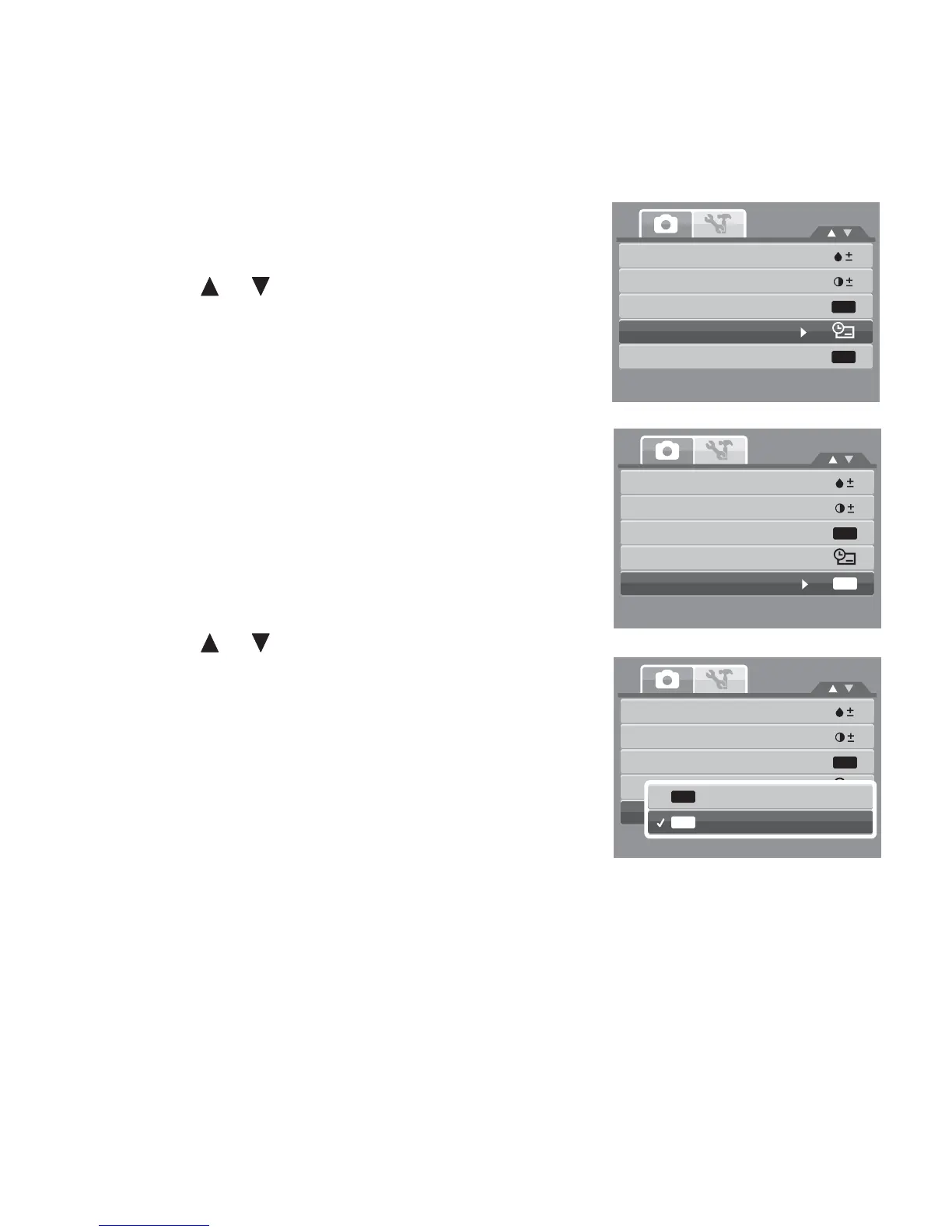
Setting Auto Review
The Auto Review function lets you view the captured image
right after shooting it.
If Auto review is On, the camera will display the captured
image for 1 second on the LCD monitor.
To set Auto Review
1. From the Record menu, select Auto Review.
2. Use the or keys to go through the selection.
3. Press the SET button to save and apply changes.
Saturation
Contrast
Digital Zoom
Date Stamp
Auto Review
OFF
OFF
Saturation
Contrast
Digital Zoom
Date Stamp
Auto Review
OFF
OFF
Saturation
Contrast
Digital Zoom
Date Stamp
Auto Review
OFF
OFF
On
Off
OFF
ON













 To Next Page