76
Using the Setup Menu
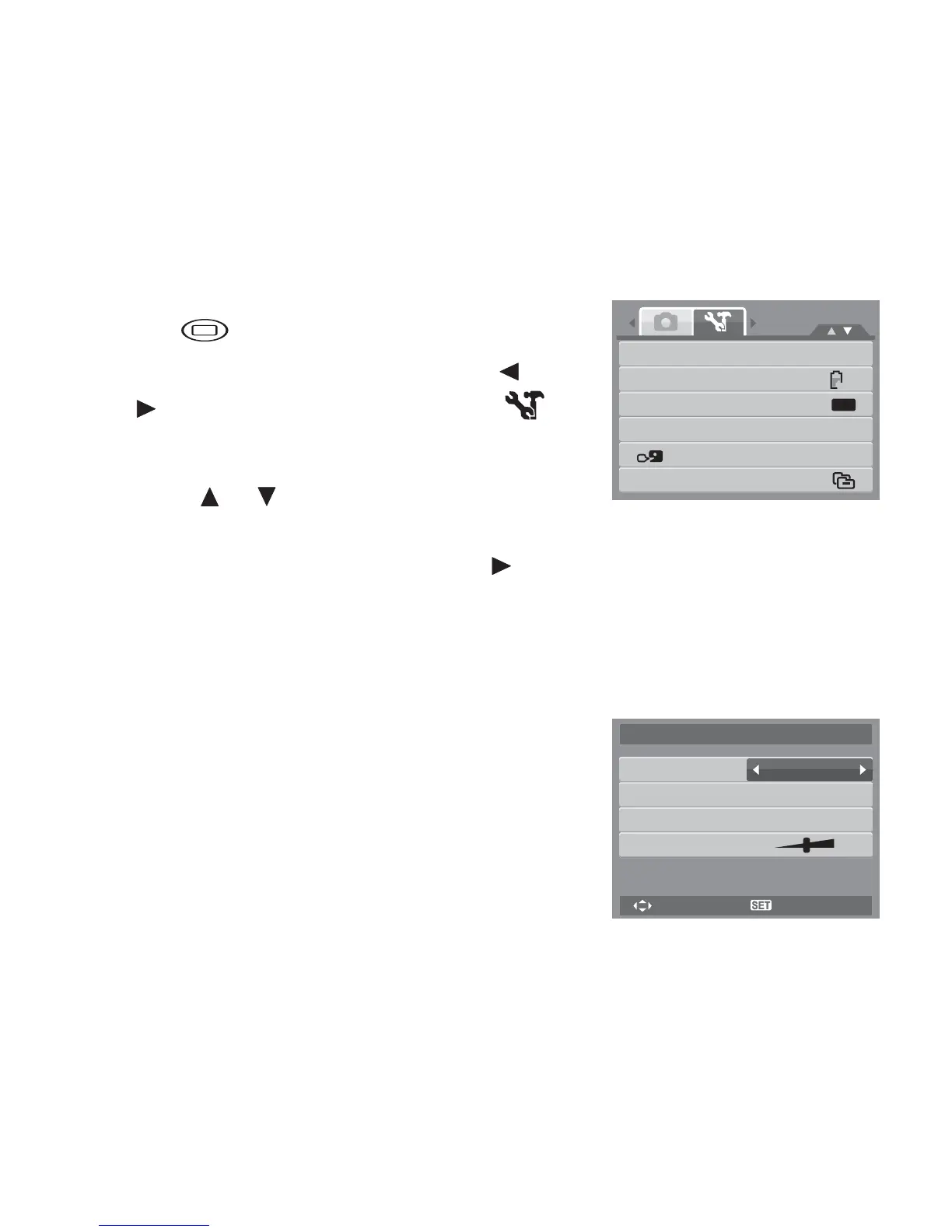
You can access the Setup menu whether you are in Photo/Movie Record or Playback mode.
The Setup menu allows you to configure general camera settings.
To go to Setup Menu:
1. Press to launch the Record/Playback Menu.
2. In Photo Record or Playback mode, use the or
keys to change the menu tab to Setup
menu. In Movie Record mode, Setup menu is
automatically displayed.
3. Use the or keys to move through the menu
selections.
4. To select an item, press the SET button or .
5. Change the submenu settings using the 4-way navigation control.
6. Press the SET button to save and apply settings.
Setting Sounds
Use the Sound menu functions to control the sounds
produced by the camera.
1. From the Settings menu, select Sounds.
2. Adjusts sound settings.
3. Press the SET button to apply changes.
Sounds
Power Save
LCD Save
Date & Time
Language
File Numbering
1min
OFF
M
Startup
Shutter
Operation
Volume
Sound1
On
On
Sounds
Select OK













 To Next Page