camera for a long period of time.
• The type of battery and the battery power level may cause the lens to be stuck up. Ensure
you use the correct battery type and use a fully charged battery.
• Risk of explosion if battery is replaced by an incorrect type. Dispose of used batteries
according to the instructions.
Using this Menu
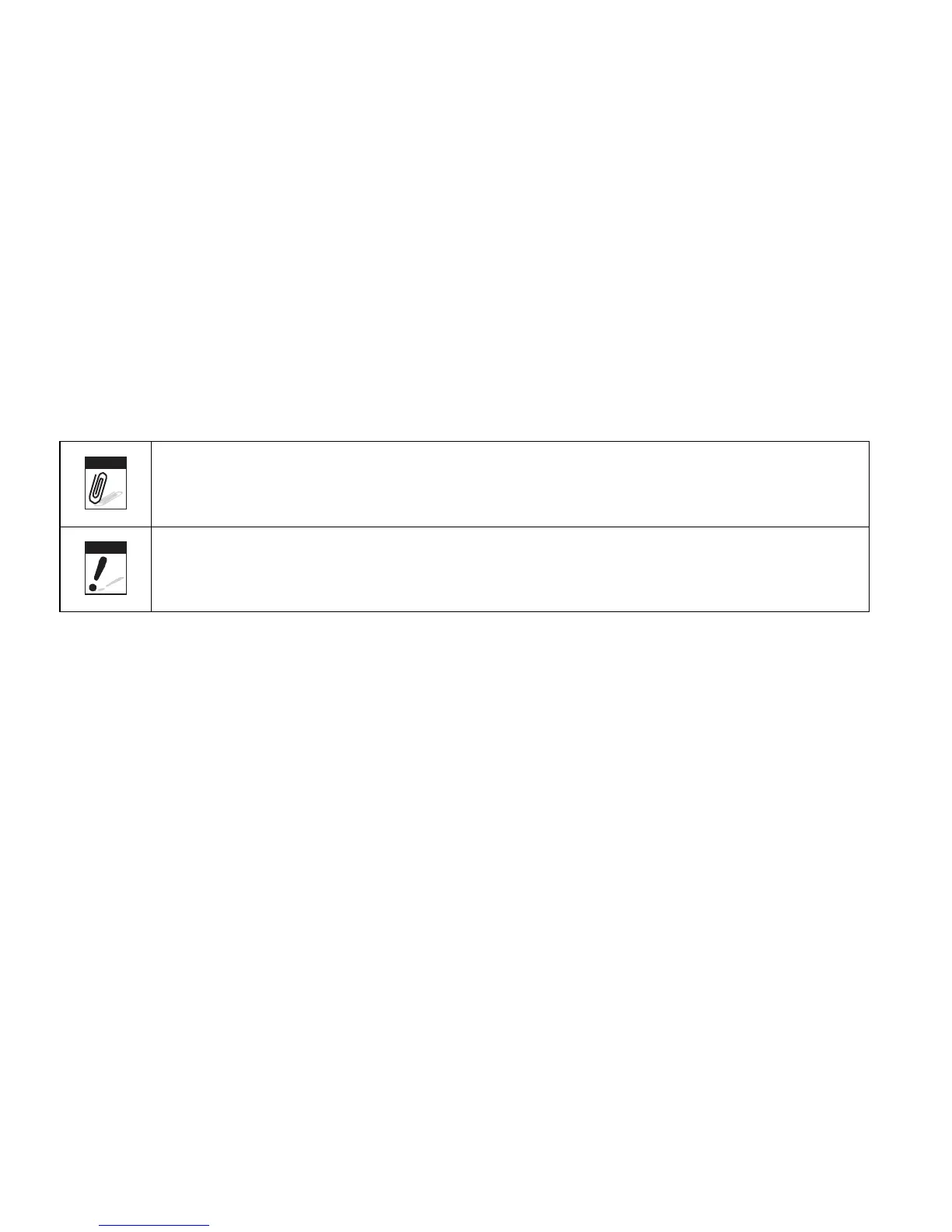
Symbols used in this manual are explained below:
Note
This indicates useful information when using your camera.
Warning
This indicates warning message that should be read before using the function.













 To Next Page