12
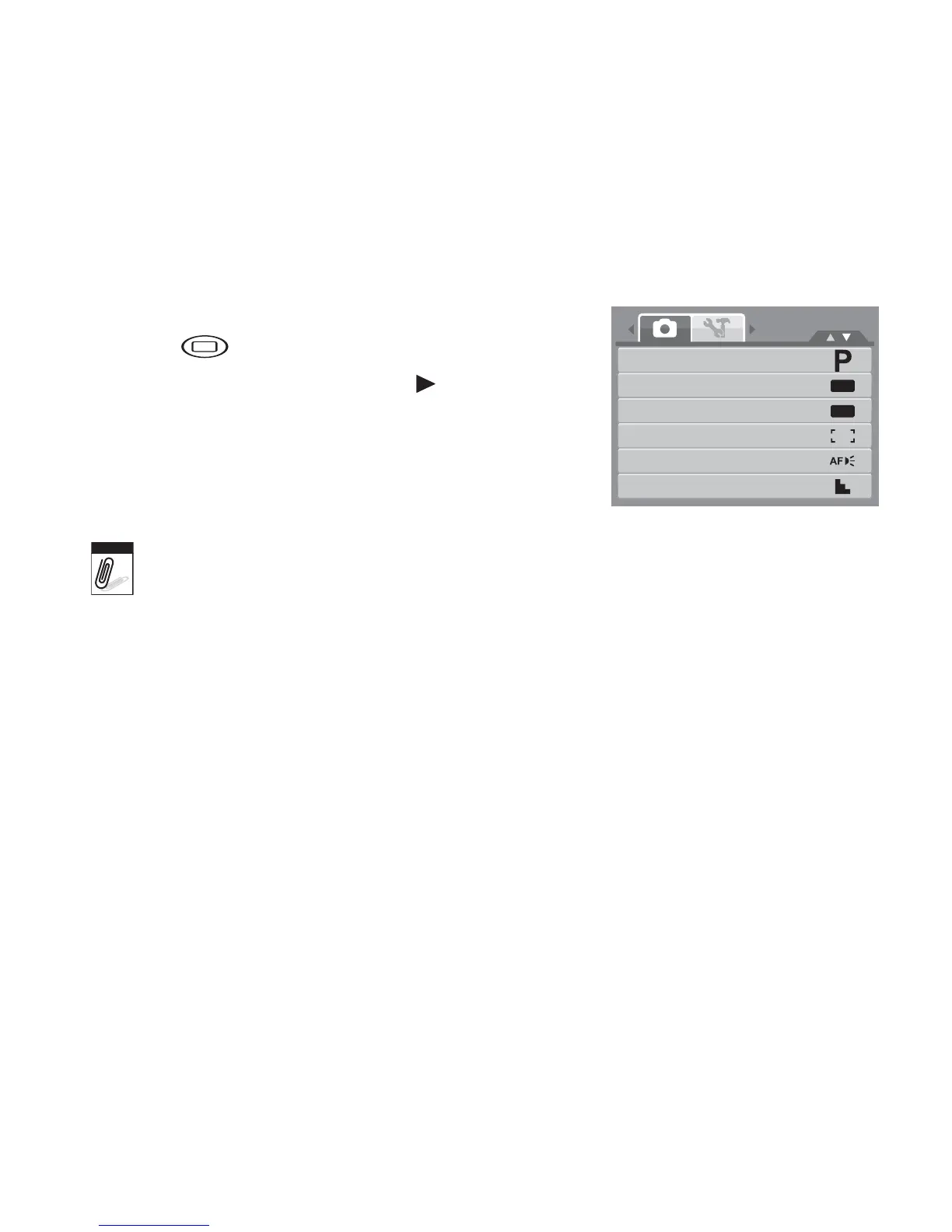
Selecting the Photo Record mode options
Maximize the quality and ease of use of your camera by using the different mode options. The
mode options allow you to capture images with preset settings according to scene conditions.
1. Set the camera to Photo Record mode.
2. Press to launch Record Mode Menu.
3. Select Record Mode, then press to enter
submenu.
4. Select a mode.
5. Press the SET button to apply selected mode.
• For more information, see "Using the Record Menu” on page 32
.
• Use the 4-way navigation control to move through the menu selections.
OFF
OFF
Record Mode
Drive Mode
AEB
AF Area
AF Lamp
Sharpness
M
Note













 To Next Page