27
My Mode
The My Mode function displays the 6 most recent modes
used in order. When you move through the different
modes in the menu options, the items on the menu bar
changes synchronously to the corresponding available
settings.
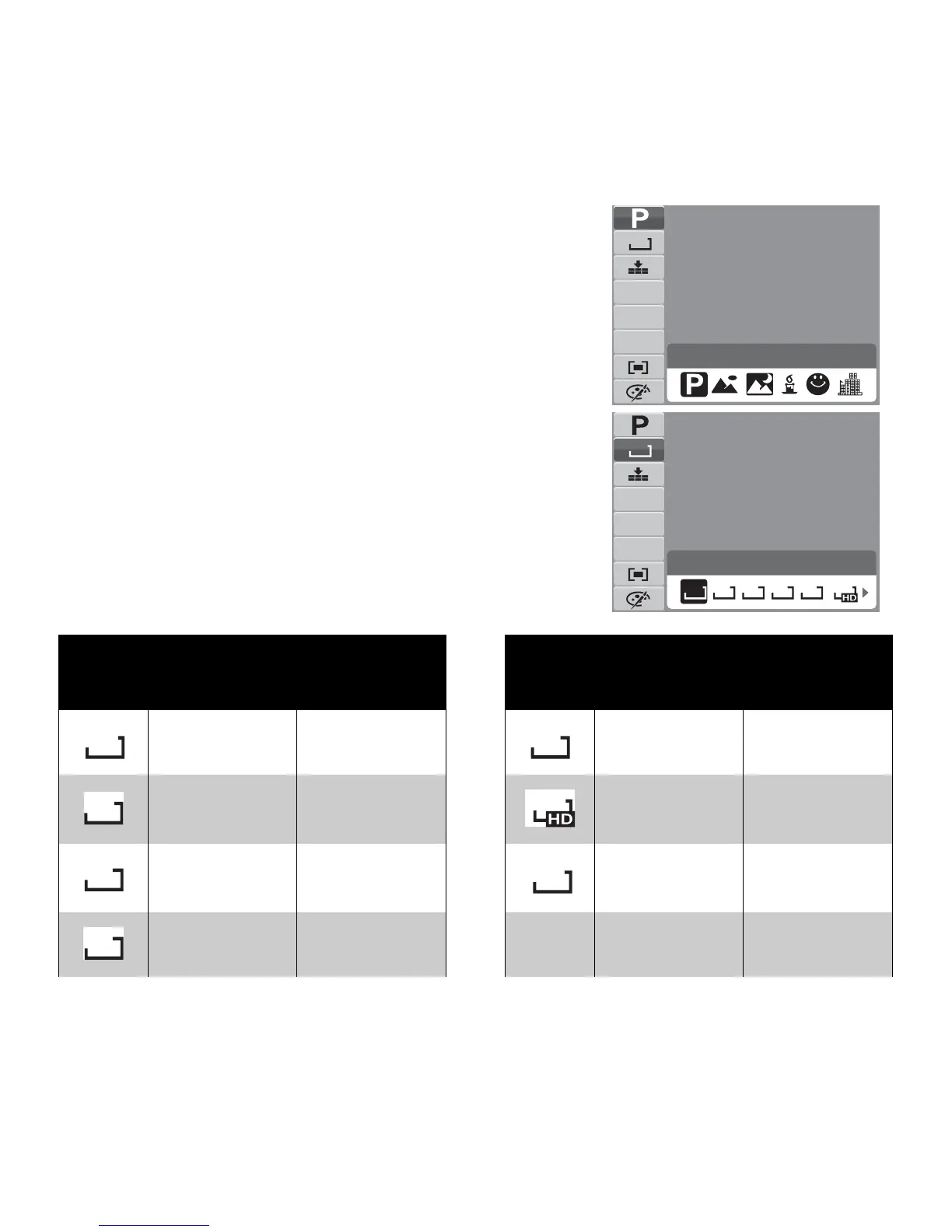
Resolution
The Resolution function is used to set the resolution
before you capture the image. Changing the resolution
affects the number of images that can be stored in your
memory card. The higher the resolution, the more
memory space is required.
The table below shows the resolution values for still
images.
Icon Pixel Size
Print Size
Suggestion
Icon Pixel Size
Print Size
Suggestion
4000 x 3000 A2 Size 2048 x 1536 4” x 6”
4000 x 2672 A2 Size 1920 x 1080 HDTV
3264 x 2448 A3 Size 640 x 480 E-mail
2592 x 1944 A4 Size
Program
N
12M
AWB
ISO
AUTO
0EV
A2 Size
N
12M
AWB
ISO
AUTO
0EV
12M 8M 3M5M
3:2
16:9
12M
3M
3:2
16:9
8M
VGA
5M













 To Next Page