39
When Intelligent Scene function is enabled, icons will be displayed even in Guideline,
None Display modes and when the shutter button is half pressed.
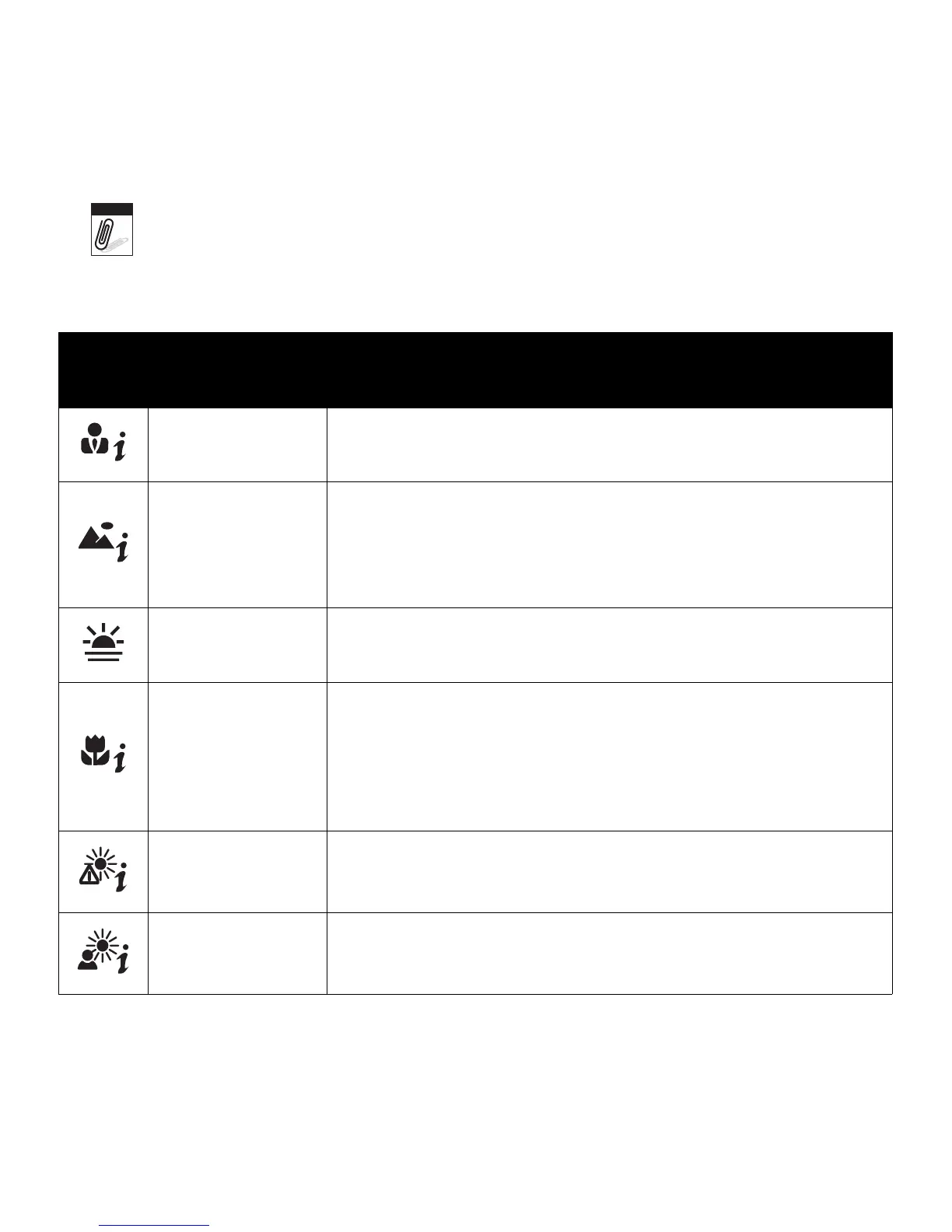
The table below shows the modes supported by Intelligent scene:
Icon
Intelligent
Scene Modes
Description
Portrait This mode is set when a face is detected.
Landscape
This mode is set when:
• There is no face detected.
• The focus distance is more than 1.5 meters.
• The EV setting is greater than 11 or 10.5.
Sunset This mode is automatically set when sunset lighting is detected.
Macro
This mode is set when:
• There is no face detected
• The focus distance is within the macro range.
This mode can only be detected when you half press the shutter
button.
Backlight This mode is set when the EV setting greater than 2.5.
Backlight Portrait
This mode is set when a face is detected with an EV setting
greater than 2.5.
Note













 To Next Page