DocNo.FM5505issueDPage25
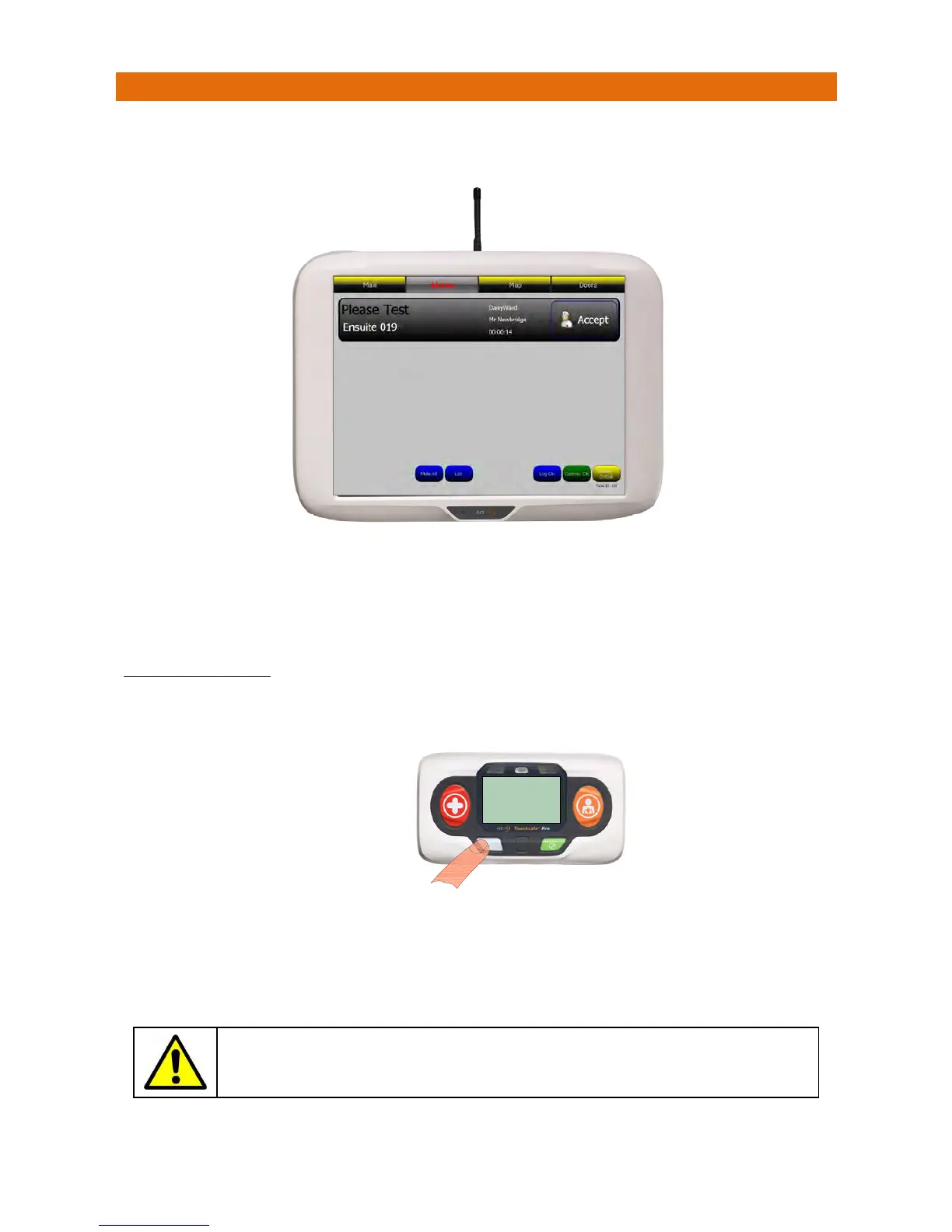
20.PLEASETESTALERT
Allradiodevicessendasignalevery4hourstoconfirmtheyarestillontheNetwork.Ifasignalisnot
receivedforaknowndevicethiswill bedisplayedonthepanelasshownbelow;
ThescreenbannerisgreyforaPleaseTest
alert.
Touchth
ebannertoidentifyexactlywhichdeviceneedstesting.
PresstheAcceptbuttononthebannertosilencethealarmandnotifyallotherpanelsthecallisbeingdealt
with.Thescreenbannerchangestopurplewhenacallisaccepted.
TOCANCELTHEALERT
Possiblecausesof“PleaseTest”alertsareflatbatteries,thebatterieshavebeenremovedorthedevicehas
beenmovedoutsidetherangeofradiocoverage.
Iftheunithasadisplayitwillfirstshow“CALLING‐CANCEL”then“ACKNOWLEDGED”whenthecallhas
beenreceivedandcancelledofftheNu
rsecallpanel.
Ifthereisanothercallwaiting(withinthesameZone)thedetailswillbedisplayed,ifmorethanonecallis
waitingtheonewithhighestprioritywillbedisplayed.
Intheunlikelyeventthatapanelneedstoberestarted,pleaseensureall
activecallsareactionedbeforeproceeding.
YoumustvisittheCallPoint,
rectifytheproblemandpress
theLIGHTGREYbuttonto
cancelthealert
CALLING
CANCEL
HC.345ID.001



 To Next Page