DocNo.FM5505issueDPage36
31.BEDSSCREEN
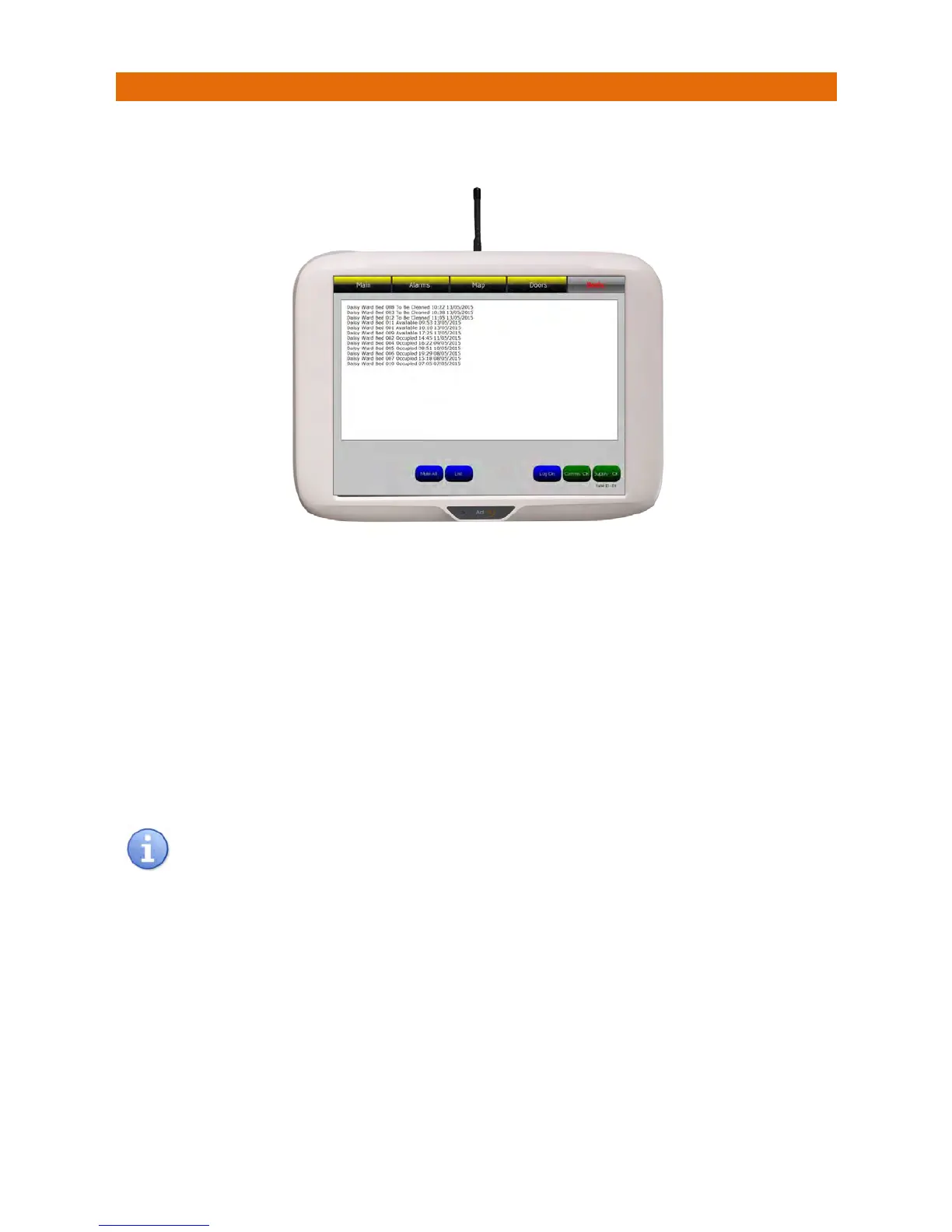
ThestatusofallbedscanbeviewedbytouchingtheBedsbuttononthetopofthescreen;thiswillbe
displayedonthepanelsimilartobelow;
TheBedStatuslistisprioritisedwithbeds“ToBeCleaned”atthetop,followedbybeds“Available”thenall
thebedsthatare“Occupied” underneath.
Thetimeanddateidentifiesthelasteventforeachbed.
OnceabedhasbeencleanedtheBedStatusshouldbesetbackto“Available”or“Occupied”fromthe
client’sCallPointasshowninSection15.Thiswillpreventthe“BedToBeCleaned”callre‐reportingand
theBedSt
atuswillbeupdatedintheBedList.
IfthecalliscancelledbypressingtheLightGreybuttonontheclient’sCallPoint(ins teadofchangingthe
BedStatusto“Available”or“Occupied”)thenitwillre‐reportastopoftheBedsToBeCleanedlist.
Ifthebedisnotcleanedwithinapresettimethecallwillre‐reportasanalarmonthemainscreen‐this
intervalcanbesetas10,20or30minutesduringpanelsetupbyanEngineer.
TheBedsButtonwillonlybeshownonthetopofthemainscreeniftheBedStatusfeatureis
enabledintheCallPointsduringsystemsetup.



 To Next Page