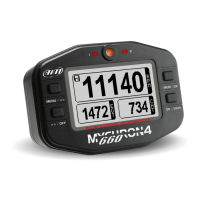
MyChron4 660
User Manual
Release 1.03
www.aim-sportline.com
18
Manual configuration
Please, switch ON the gauge (press ON/VIEW) and enter Configuration Mode
(push MENU/<< button) in order to set the configuration parameters (RPM scale,
RPM factor, Wheel circumference, etc…).
Buttons MENU/<< (back to previous option) and >>/OFF (forward to next option)
are used to scroll through the configuration menu.
To exit Configuration Mode and return to Main Display Mode, press ON/VIEW.
The parameters you may set in Configuration Mode are explained here below in
the same order they appear when you scroll through them by pressing the
>>/OFF button.


 To Next Page