MyChron4 660
User Manual
Release 1.03
www.aim-sportline.com
23
Now we will take a look at the Control Panel sub-menu.
This function sets the maximum scale for the RPM display
and the maximum acceptable RPM value sampled by your
MyChron4 660.
MyChron4 660 can be configured to manage a wide range
of RPM (from 8,000 to 16,000). Please remember to insert a
higher value than your Engine’s Maximum RPM to acquire
correct data.
To run this function, press the MENU/<< button, place the
highlight selector on the Control Panel Icon (upper Wrench
Icon) by pressing MENU/<< or >>/OFF to scroll, and press
the MEM/OK button. Select the RPM Setup Icon and press
MEM/OK. Select the Maximum RPM option, and press
MEM/OK to enter the Maximum RPM setup. You can
increase or decrease RPM value by pressing MENU/<< or
>>/OFF. Then press MEM/OK to confirm or ON/VIEW to
discard changes and get back to the previous menu.
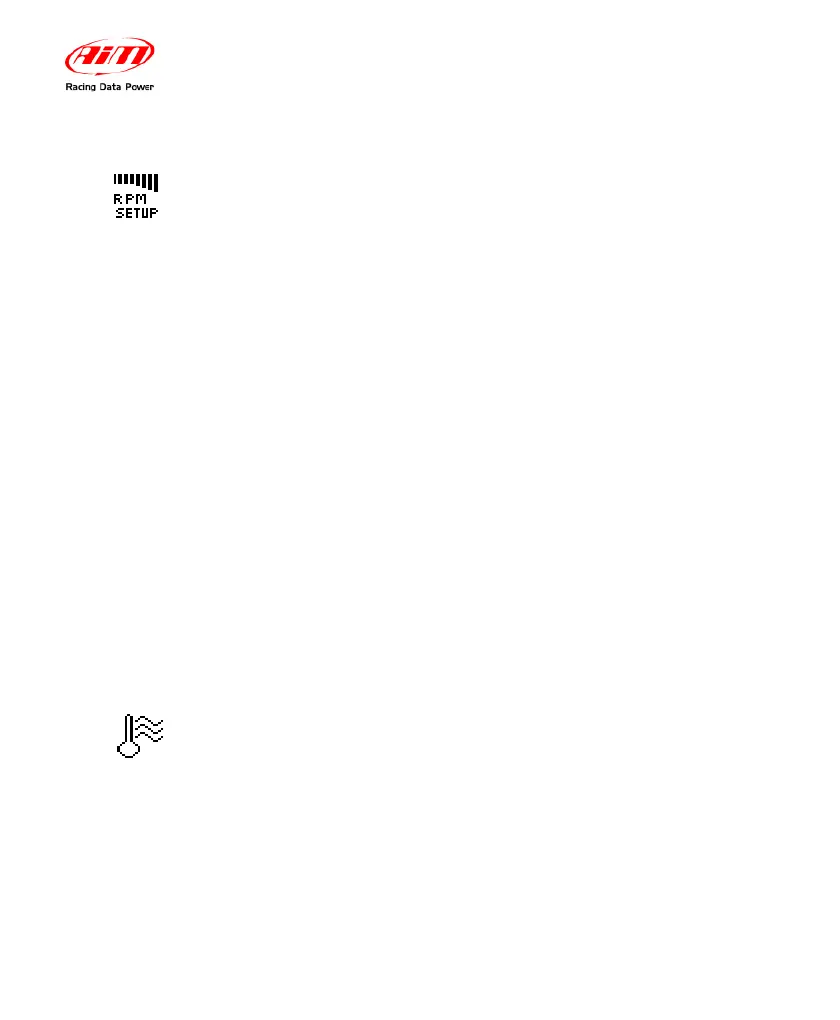
RPM Setup
The temperature setup menu will allow you to switch
temperature units or to set the Alarm.
• Change the Temperature Unit between Fahrenheit (°F)
and Celsius (C°)
• TEMP EGT ALARM (Lower Value) -Range: OFF- 1000
Temperature
Setup


 To Next Page