Home
Aim
Accessories
MYCHRON4 660
Page 31
Aim MYCHRON4 660 - Page 31
87 pages
Manual
Save Page as PDF
To Next Page
To Next Page
To Previous Page
To Previous Page
Loading...
MyChron4 660
User Manual
Release 1.03
www.aim-spor
tline.com
30
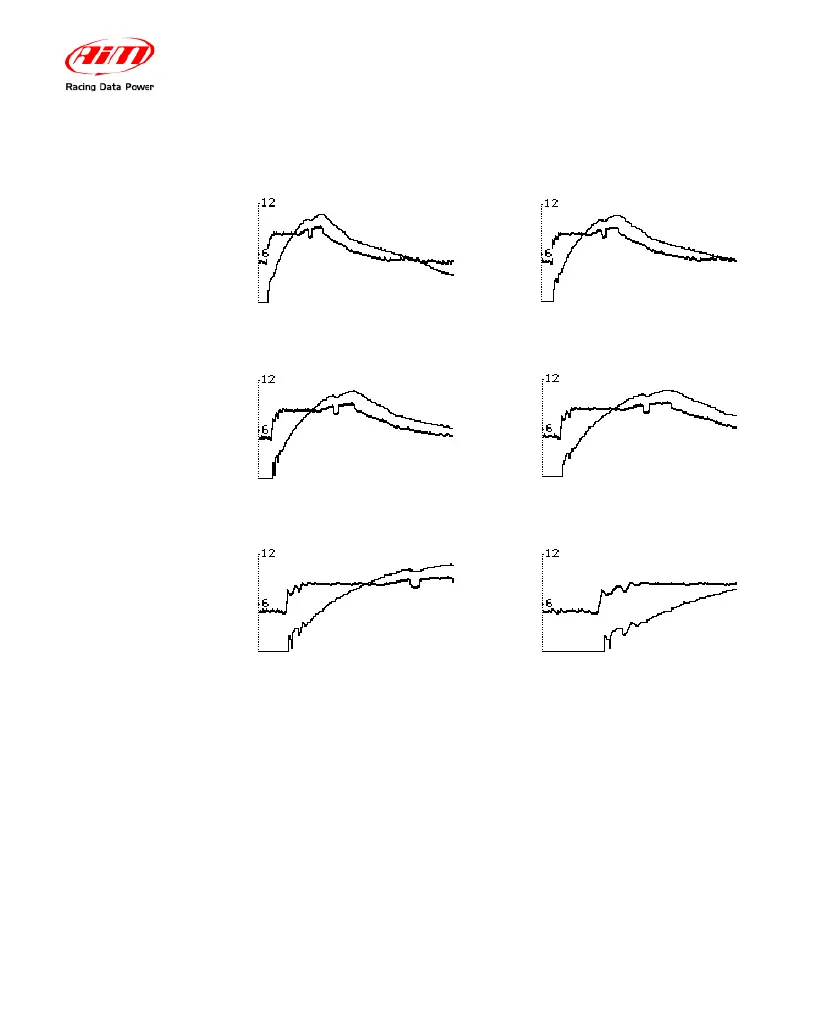
LEVEL ONE -19,2 sec. zoom
LEVEL TWO – 16,00 sec.zoom
LEVEL THREE – 12,8 se
c.zoom
LEVEL FOUR – 9,6 sec.zo
om
LEVEL FIVE – 6,4
sec.zoom
LEVEL SIX – 3,2 sec. zoom
30
32
Table of Contents
Main Page
Default Chapter
2
Table of Contents
2
1 How to Install Mychron4 660
4
How to Install and Replace the Batteries
4
How to Install Mychron4 660 on Junior Dragsters
6
How to Install the RPM Wire
7
How to Install the EGT Thermocouple
8
How to Install the Cylinder Head Thermocouple
10
How to Install the Speed Sensor
11
How to Connect Cables to Mychron4 660
14
2 How to Use Mychron4 660
15
The Keyboard
15
How to Switch ON/OFF the Gauge
16
Configuration Functions
17
Configuration Wizard
17
The Display
27
Post Run Review
28
3 Gps Module and Mychron4 660
32
How to Connect GPS MODULE
32
Connection with Internal Power
32
Connection with External Power
33
How to Install GPS Module
33
Configuration Wizard
34
Mychron4 660 Data Visualization
35
Mychron4 660 Datakey for Data Download
36
GPS Module with Qman
37
4 Mychron4 660 and the Pc
39
Downloading Data with Mychron4 660
39
How to Use Qman
40
Qman Installation
41
Installation under Microsoft Windows XP
41
Troubleshooting
47
Installation under Microsoft Vista
48
Troubleshooting
55
Qman Data Analysis
56
Test/Run Manager
57
Analysis View
61
Time Plot
63
Histogram
70
XY Plot
72
Channel Info
74
How to Set the Time Slip Info
75
How to Set Weather Station Data
76
Test Loaded View
77
Run Info
79
Time Slip
80
Tachometer
81
Weather
82
How to Send the Test File Via E-Mail
82
Maintenance
83
1- How to Upgrade the Firmware
83
Appendix A: Technical Characteristics
85


 To Next Page