MyChron4 660
User Manual
Release 1.03
www.aim-sportline.com
49
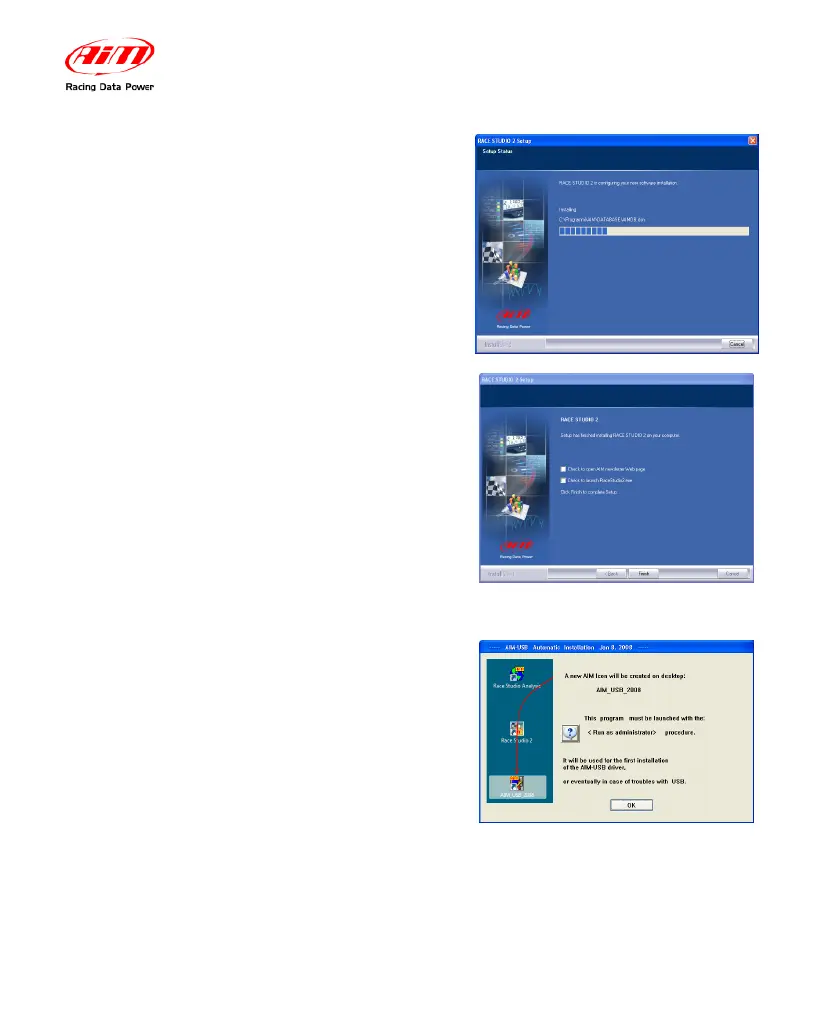
The window on the right appears.
After the installation, in case of software
upgrading the window on the right appears.
Click on “Finish” button. AIM Software
installation is completed.
In case of a first installation of AIM
software, the window on the right appears.
• Click on “OK” button to continue
installing the software.
• Click on “Question mark” button
to view the <Run as
Administrator> procedure. The
following window appears.


 To Next Page