MyChron4 660
User Manual
Release 1.03
www.aim-sportline.com
53
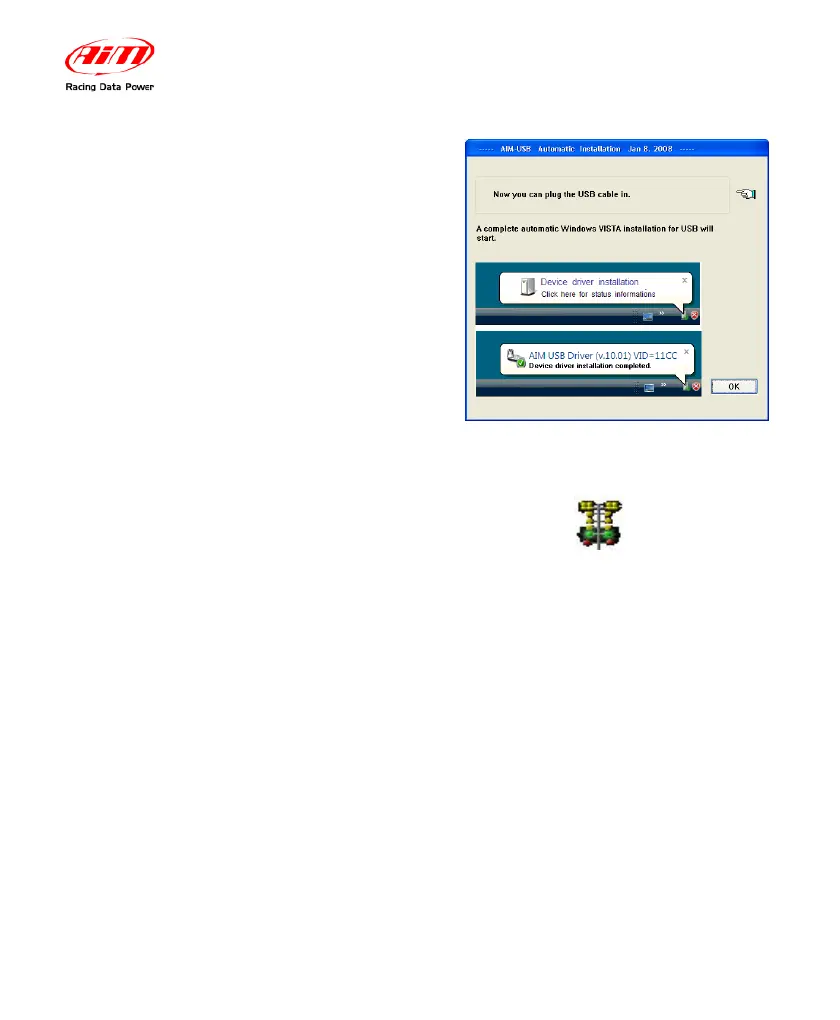
Plug the USB DataKey into the PC USB
port.
After the first installation a new icon is created on the PC desktop.
Here on the right you see the default
icon corresponding to the different AIM
software as well as USB driver one.
Please see each software user manual for further information. Once the first
installation is successfully completed, any AIM software upgrading (remember to
periodically check www.aim-sportline.com) will skip the steps regarding the USB
driver installation.


 To Next Page