MyChron4 660
User Manual
Release 1.03
www.aim-sportline.com
65
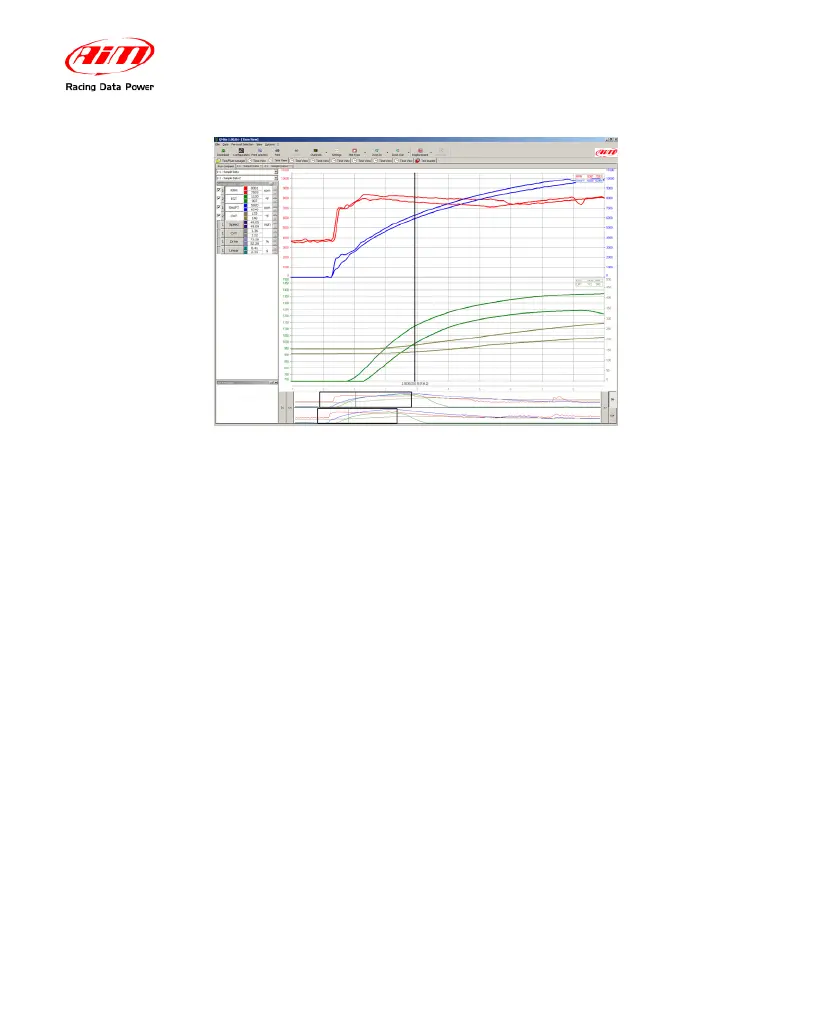
The width of the data window can be modified. QMAn allows the user to choose
among 7 predefined zooms. You can view a 2 second window, and windows for
runs spanning 4, 6, 8, 10, 14 and 20 seconds. For instance, if you were looking at
a graph inside a 10 seconds window and you click the “Zoom in” button, the “Time
plot” will change to an 8-second window.
You can zoom either using the up-down arrows buttons on your keyboard or
through the mouse wheel when the mouse cursor is over the plot.


 To Next Page